In today’s world, the most widely used numeral system is decimal (base 10), a system that probably originated because it made it easy for humans to count using their fingers.
Bitcoin is giving banks a run for their money. Now the same technology threatens to eradicate social networks, stock markets, even national governments. Are we heading towards an anarchic future where centralised power of any kind will dissolve?
There are basically two popular ways to sign and encrypt one’s email messages: S/MIME and PGP. I had a look at both and decided to start with S/MIME. But I may use PGP in the future, too, and use it alongside.
Using S/MIME (or PGP) gives me these two benefits:
I can sign all my emails, verifying that I am indeed the owner of the email address in the “From:” field.
I can encrypt my messages for the recipient, if I have stored his or her S/MIME certificate (once you receive a S/MIME-signed email, you have also obtained the correspondent’s certificate).
I chose S/MIME first, because it is way easier to use: it’s integrated into all or most popular email clients and so there’s no need to install any additional software. And you can continue to use your email clients of choice, even for encrypted messages.
Here are the few things I needed to do, in order to sign and encrypt my email messages on my Mac and my iPhone using S/MIME:
Opening and storing the certificate with my Mac’s Keychain Access. (At this point, my Mac was completely configured. From then on, Mail offered me to sign and encrypt my messages).
Exporting it from there as a password-protected .p12 file.
Copying it to the iPhone and installing it.
In the iPhone preferences under Mail > (Email Account) > Account > Advanced, I turned on “S/MIME” plus “Sign” and “Encrypt”.
While this only took me 15 minutes, I wish this process was more straightforward, so this would be more easily accessible to less computer-savvy people, too. But it’s definitely easier than setting up PGP.
A more detailed description on how to set up S/MIME on a Mac and iOS device can be found in the article “How to secure your e-mail under Mac OS X and iOS 5 with S/MIME” on ars technica.
At last, here are some more links on the topic, that I find useful:
If you’re not doing so already, you really should read The Intercept:
The Intercept, the first of First Look’s digital magazines, is founded and led by award-winning journalists Glenn Greenwald, Laura Poitras and Jeremy Scahill. Its initial focus will be new reporting involving the disclosures made to them by NSA whistleblower Edward Snowden.
I just watched “The Internet’s Own Boy”, the documentary about Aaron Swartz. It’s unbelievable. You should watch it!
But it will probably make you angry and sad, too.
The Internet’s Own Boy depicts the life of American computer programmer, writer, political organizer and Internet activist Aaron Swartz. It features interviews with his family and friends as well as the internet luminaries who worked with him. The film tells his story up to his eventual suicide after a legal battle, and explores the questions of access to information and civil liberties that drove his work.
I also had the “pleasure” to drive across town yesterday evening, shortly after the worst was over. I’m still glad I made it without having an accident or getting stuck.
One rainy morning, a few storm drains were blocked at Düsseldorf’s main station.
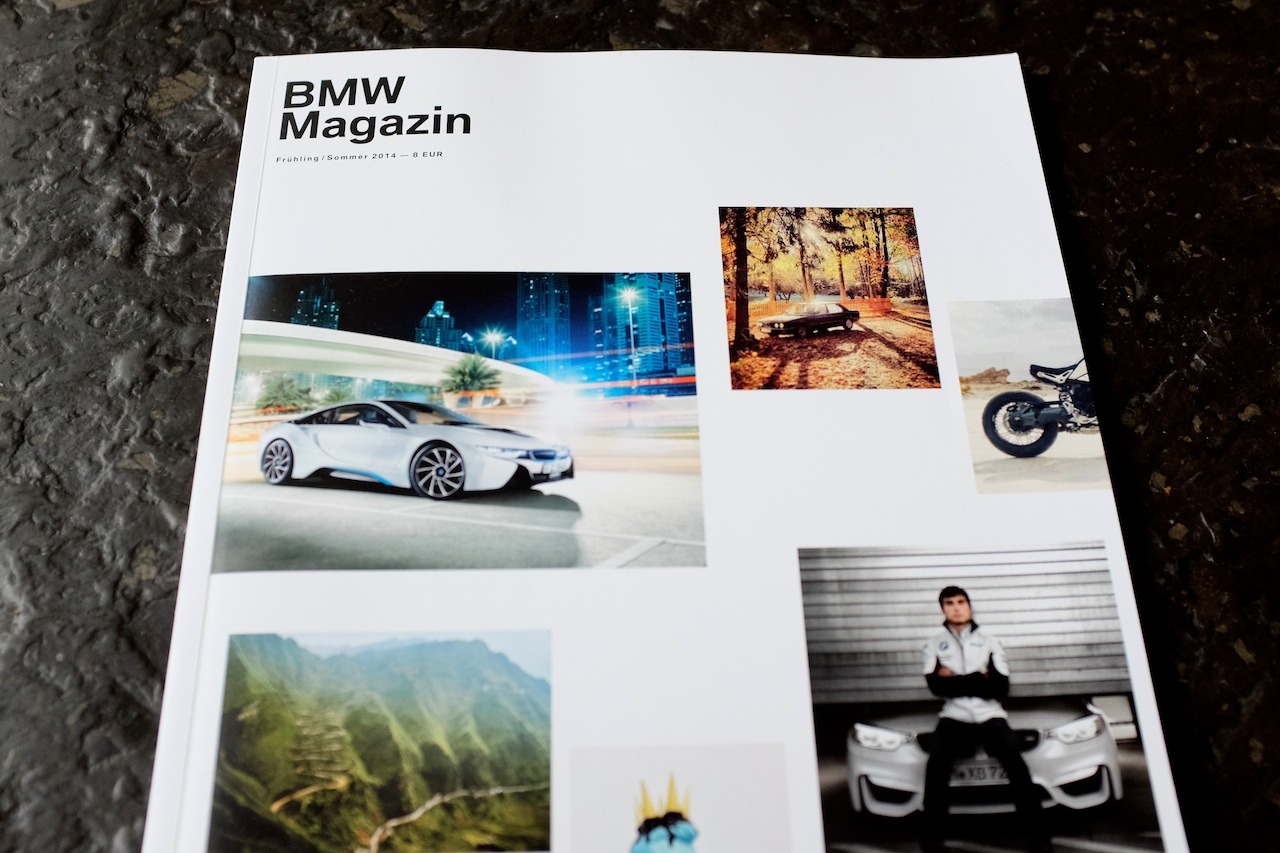
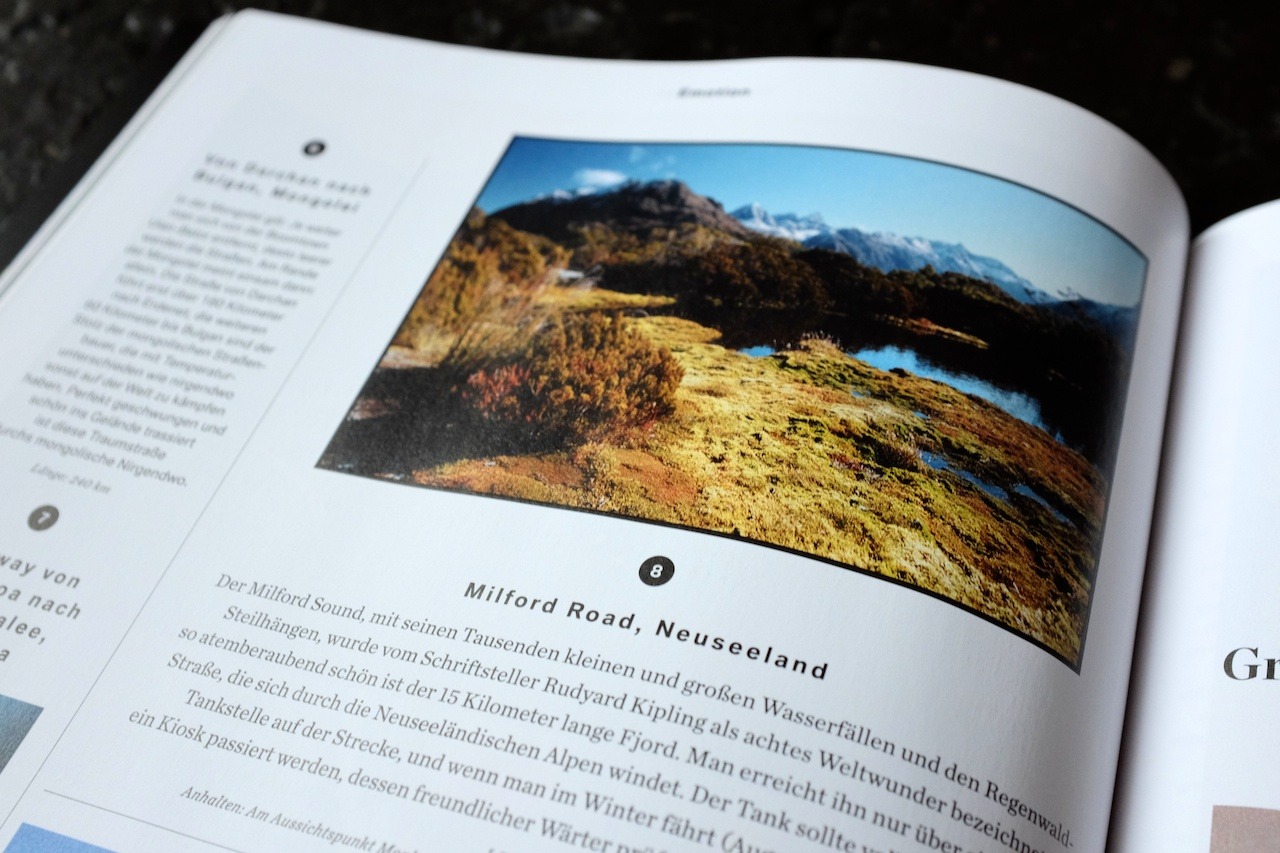
My “On Key Summit” photo was recently printed and published in the spring/summer edition of the German BMW Magazin. It’s nice to see it printed in such a well-designed environment. It’s also the first photo I got paid for.