By the way: did you know about the fantastic “A boy and his dad” photo blog? Well, now you do! You’re welcome!
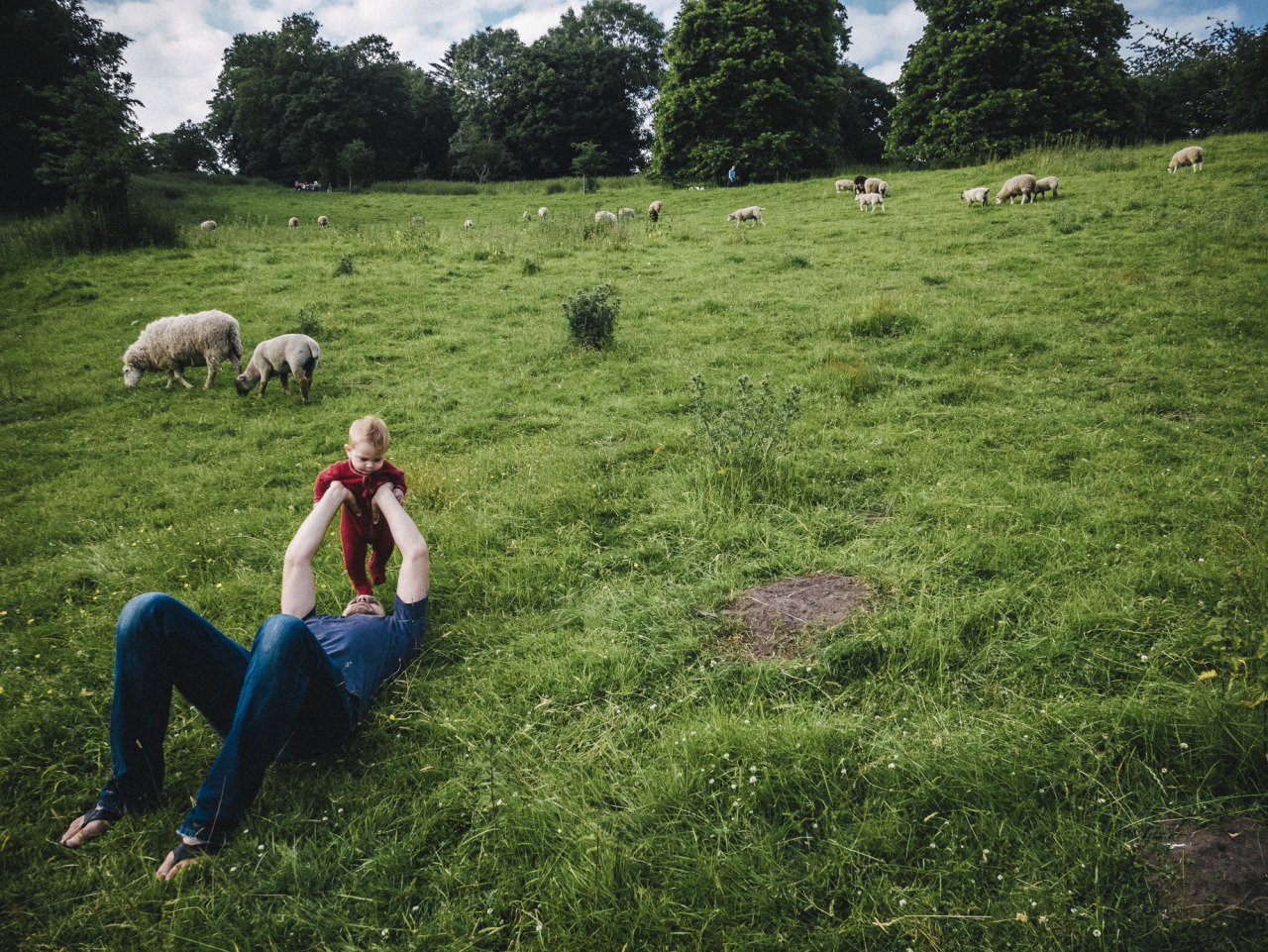
By the way: did you know about the fantastic “A boy and his dad” photo blog? Well, now you do! You’re welcome!
And speaking of Matt Stuart: This is a well done one minute video showing him shooting. You may pick up a few techniques: like “scratch-your-nose-to-pretend-your-werent-shooting”, “pretend-to-shoot-something-else-at-first-then-quickly-recompose”, “be-quick” or “take-multiple-shots-of-a-scene”.
NightOwl is the perfect Menu Bar App for nocturnal people.
I really enjoy Mojave’s Dark Mode for working during the evening and night. But always going into the System Settings to switch it from the “Light” mode – which I prefer during the day – was a bit tedious. Luckily, Benjamin Kramser thought the same, and created the little NightOwl utility. So that I can now let it automatically toggle between Dark and Light modes based on whether it’s day or night. Sweet!
Another little tool I need immediately after setting up a new computer, is MenuMeters. I simply feel uneasy when my menu bar doesn’t show me the current upload/download throughput or the CPU workload.
Like Jumpcut, this app hasn’t been updated by the original creator in a long time. But someone else made a little adjustment to make sure it keeps working on newer macOS versions. And I’m very thankful for that! Because every time I tried an alternative in the past, it simply wasn’t as good and I kept coming back to good old MenuMeters.
Setting up a new Mac, I pretty immediately notice what software I can’t live without. One of them is the little clipboard utility Jumpcut. It keeps a history of items I copied into the clipboard, and makes them easily accessible via keyboard shortcut. That way I can paste previously copied text again and again.
Jumpcut hasn’t been updated in ten years now, but it still works. It’s free, simple and does its thing well. What more can you ask for?
[UPDATE: it now has been updated and is supposed to work on newer macOS versions. Has a new homepage, too: https://snark.github.io/jumpcut/.]
I recreated the initial beat of Meshuggah’s “Bleed” on Heydon’s great online drum machine.
The Internet privacy company that empowers you to seamlessly take control of your personal information online, without any tradeoffs.
For years now, I’ve been using DuckDuckGo as my search engine.
In 98% of the cases, it gets me what I’m searching for1. Unlike Google, it respects your privacy: they don’t track you!
DuckDuckGo is easily setup as your default search engine in every popular browser – both on desktop or mobile computers/phones. I use it on all my devices and I don’t want to go back.
You should give it a try, too!
In the 2% it doesn’t, I still resort back to Google, though. :-( ↩︎
I just noticed Severin Koller has an updated homepage. There’s a bunch of photos I haven’t seen or forgot about. So I think I know what I’m going to do tonight.
He’s one of my favourite photographers and a major reason I’m shooting film. I especially like his street and documentary work, but his portraits are wonderful, too. And his other stuff as well. Go check it out!
If you like what you see, I encourage you to check out his blog, which is one of the best sites on the internet. Just wonderful – and more personal – street and documentary photographs. He’s got such a great eye for moments – from subtle gestures to more obvious juxtapositions – and an incredible skill to capture them. And you can basically follow his life for the last decade.
Find the 35mm/full-frame equivalent to a focal length in different sensor- or film-format.
Between Christmas and New Year’s – or “between ze days” as we say in Germany – I worked on a little project: Focal Length Equivalents, a website that let’s you look up focal lengths of different film- or sensor-formats and find its equivalent to the 35mm/full-frame format.
Here’s some more explanation from that new site:
Like a lot of photographers, you might be familiar with focal lengths in the 35mm/full-frame image format and what field of view that focal length represents (24 mm = wide angle, 50 mm = “normal” etc.). Different formats, however, require different focal length lenses to produce an equivalent field of view.
With this site, you can look up these focal lengths and their 35mm-equivalents.
For example, when I bought my 6x9 camera, I wanted to know what its lens’ 110 mm equivalent field of view is in the 35mm format – because that’s the format I’m most familiar with. And when looking up information like this I always end up looking through some old forum threads, if I don’t want to calculate it myself (which I never did).
That’s why I built this little utility, which calculates it for me and saves me the search. Check it out!
The UI is a table that dynamically updates as you move a slider. That slider is an HTML input element of type range.
My idea was to create a super-simple interface that’s easy to use on both mobile and desktop – i.e. with a touch interface as well as a mouse/trackpad. There’s nothing to type into a field and no button to push to recalculate. Simply move the slider.
Another benefit of this is, that you are always comparing all formats at once. No need to select or otherwise “activate” a specific format. You simply look at the row of the format that interests you to compare (tip: you can tap/click on a row to highlight it for even easier visual comparison).
A drawback of this UI is, that the slider is somewhat fiddly to operate. And it’s a not very precise UI element, either. I might be able to make it less fiddly by creating a custom design for the slider. But the imprecision will always be there I assume, especially on smaller screens where the input’s values are spread across less horizontal space. I limited the focal lengths you can compare to mitigate this issue at least a little – but this is yet another drawback itself.
This version is a MVP – a Minimum Viable Product. There’s quite a few things I have in mind to improve the UI or better communicate each format’s dimensions (which are the base for the calculation), and also add more formats. But I think it’s already quite useful, and that’s why I’m making it public right now.
If you have any feedback, let me know!
photojournal.danielpietzsch.com

Driving through northern Finland into Sweden, making our way towards Stockholm. And after a lot of nature and small towns, a big city was a welcome change. Especially such a beautiful one as this.
New entry in the journal.
photojournal.danielpietzsch.com
I haven’t posted any new photos in a while now. That’s because I’ve gotten a little tired of the social media style of posting one or a handful of photos at a time.
But I haven’t stopped taking lots and lots of – mostly analog – photos. And I’ve also been busy working on a new home for them.
So, may I present: my new photo journal.
On this new site, I plan to create one entry per month. Each does and will include lots of images, documenting what I do and see.
Currently I’ve added August and September 2016, which contain mostly new photos, starting with only a few known ones I’ve uploaded here in recent posts.
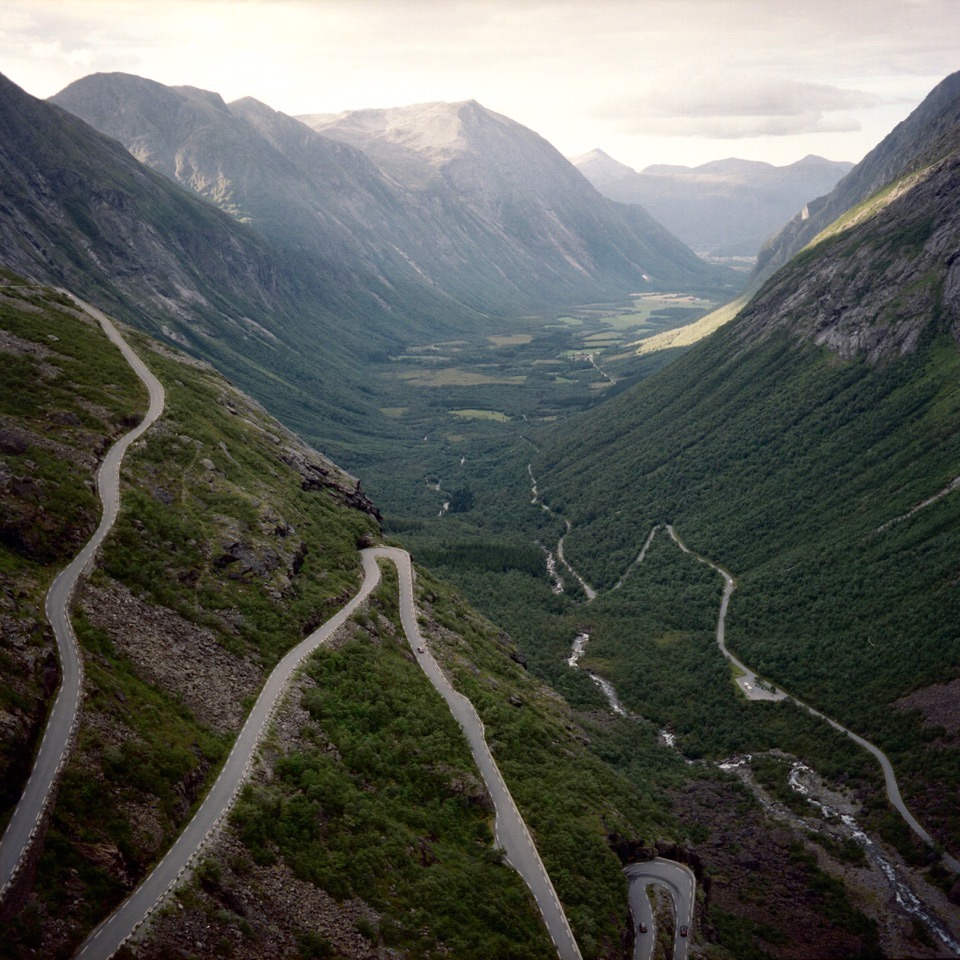
Matt Stuart gives lots of advice while explaining some of his pictures during a gallery opening.
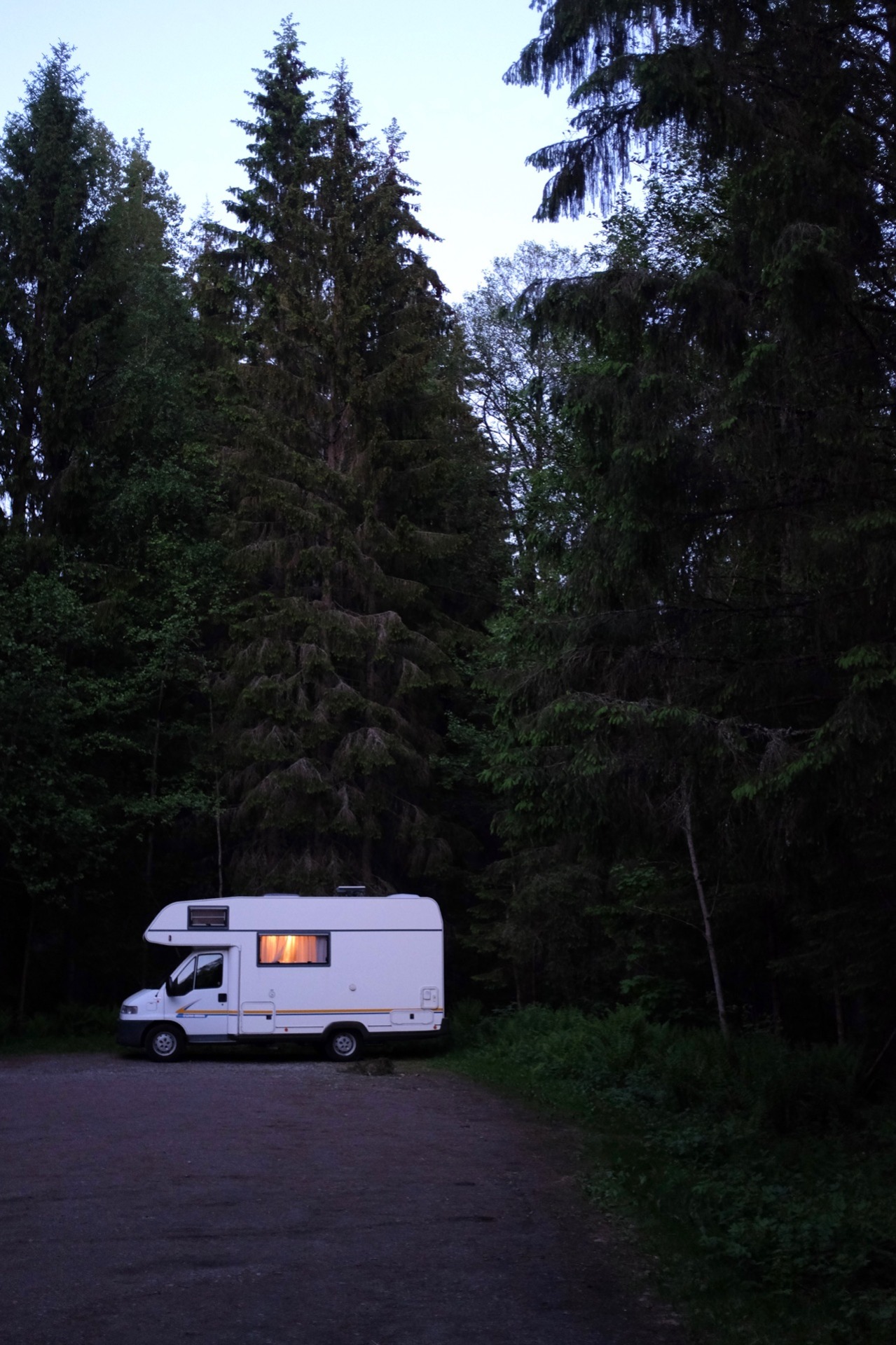
Seit April 2016 mit dem Wohnmobil auf Tour durch Skandinavien.
The reason this blog got a little quieter, is two-fold: first, I’ve been busy blogging over at http://danielandnicole.net. And second, I currently prefer to mostly post film photos here, but since I didn’t have a scanner with me during our travels, I couldn’t scan all the negatives that queued up. But this changed now, since I bought one in Oslo: a Canon CanoScan 9000F Mark II. So now I can start to catch up again.
Our travels are going great so far! We love living and travelling in the camper van. Follow along!
Leica M-D A step back to the future
Via dpreview:
German camera manufacturer Leica has announced a new M digital rangefinder that has no LCD panel. The Leica M-D (Typ 262) will be almost exactly the same as the existing M (Typ 262) but without a rear screen for reviewing images and working the menu. The company says it has produced a camera with only the ‘essentials of photography’, or ‘Das Wescentliche’, and that it will help photographers concentrate on the important elements of image making rather than getting distracted with the camera functions.
Now, this is an interesting digital camera! Seriously!
I currently really enjoy shooting film, and a huge appeal is the simplicity and enjoyment of shooting these old cameras. No screens. No menus. No chimping. Just the essential buttons and dials.
If Leica wasn’t so expensive, I’d be seriously tempted. Why can’t Fuji make such a camera?
Death / Thrash Inferno Deluxe Ravage geben sich nach 4 Jahren Abstinenz erneut die Ehre!! Zu diesem besonderen Event haben wir unsere Freunde von Witchtower und Fabulous Desaster eingeladen. Wir hoffen auf zahlreiches Erscheinen zu diesem freudigen Ereignis!
Next Saturday, April 2nd, I’ll be playing live with my old band Ravage in Haus der Jugend, Neuss. This is a very rare occurrence, and I’m very much looking forward to this. It’s my first gig in almost eight years. (Here’s a rehearsal-excerpt from last night: https://www.facebook.com/ravage666/videos/1013310575403807/)
We’ll be playing alongside Fabulous Desaster and Witchtower.
You should come!