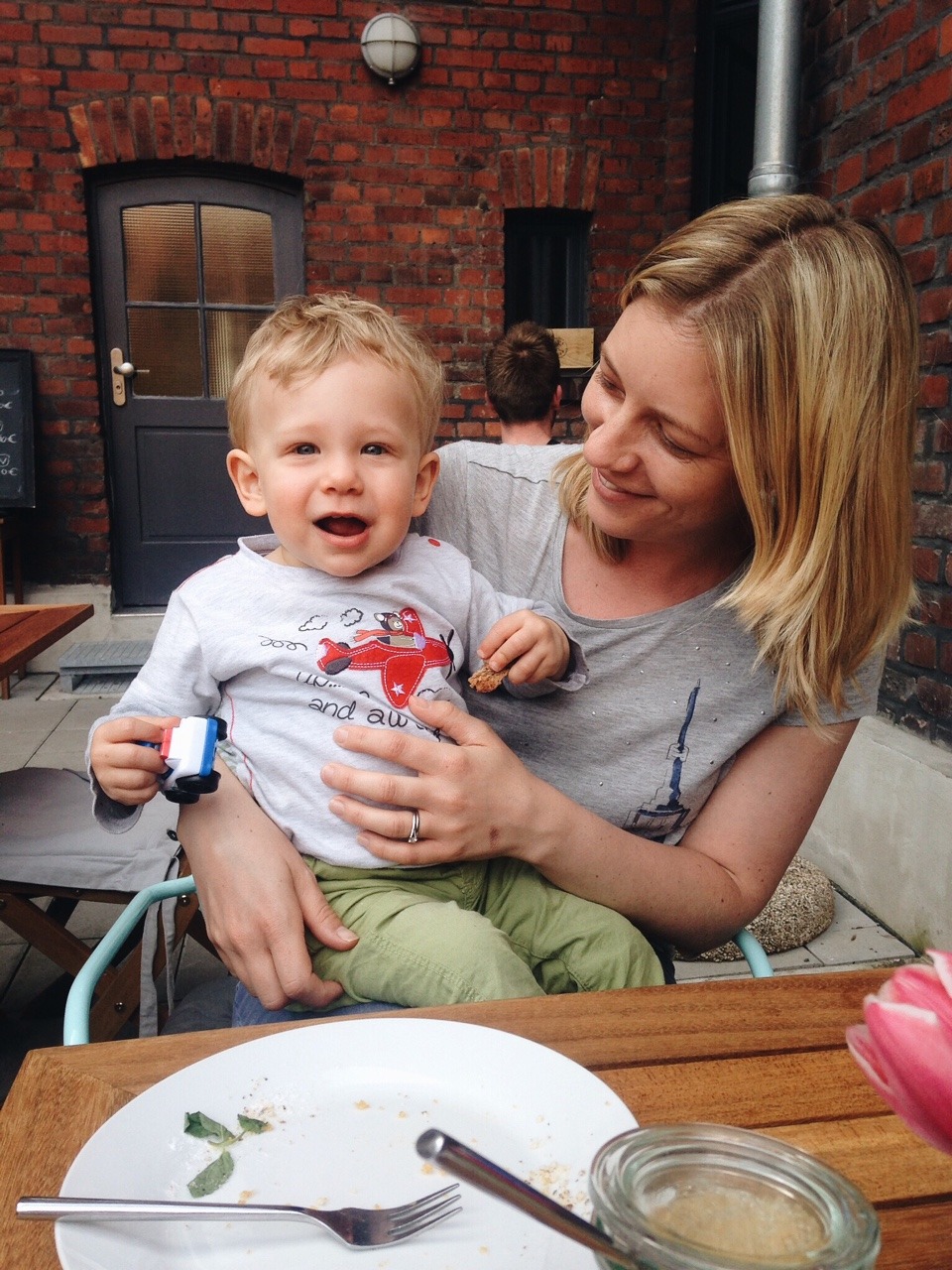
105/365: We caught up with Brigette today, who of course brought cute little Julian along. Always a joy to meet them and to see how big he got. We met at Greenies, had delicious coffee and cake and enjoyed the beautiful weather.
105/365: We caught up with Brigette today, who of course brought cute little Julian along. Always a joy to meet them and to see how big he got. We met at Greenies, had delicious coffee and cake and enjoyed the beautiful weather.
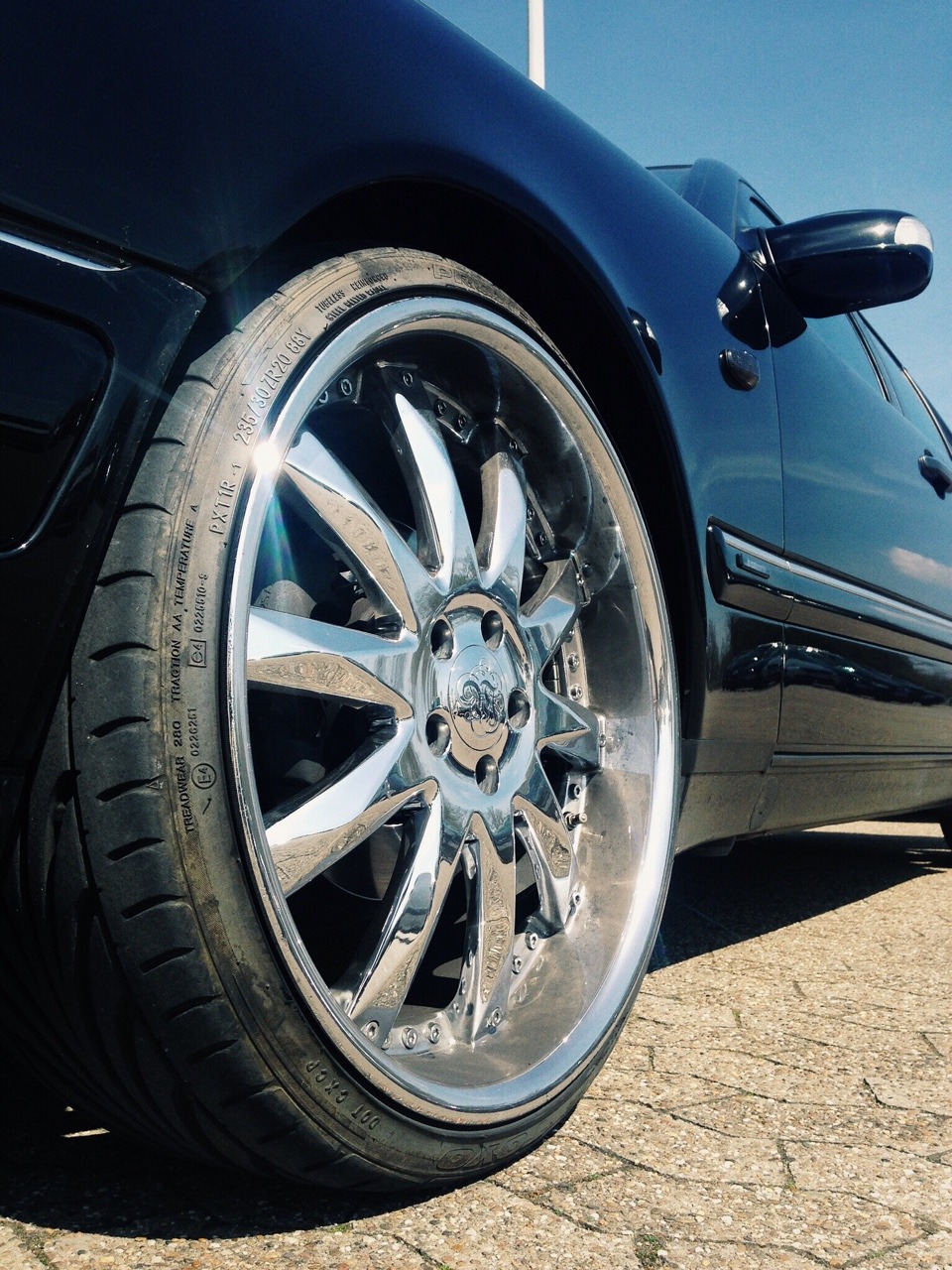
104/365: Bling! Bling!

103/365: Unternehmer Stadt.
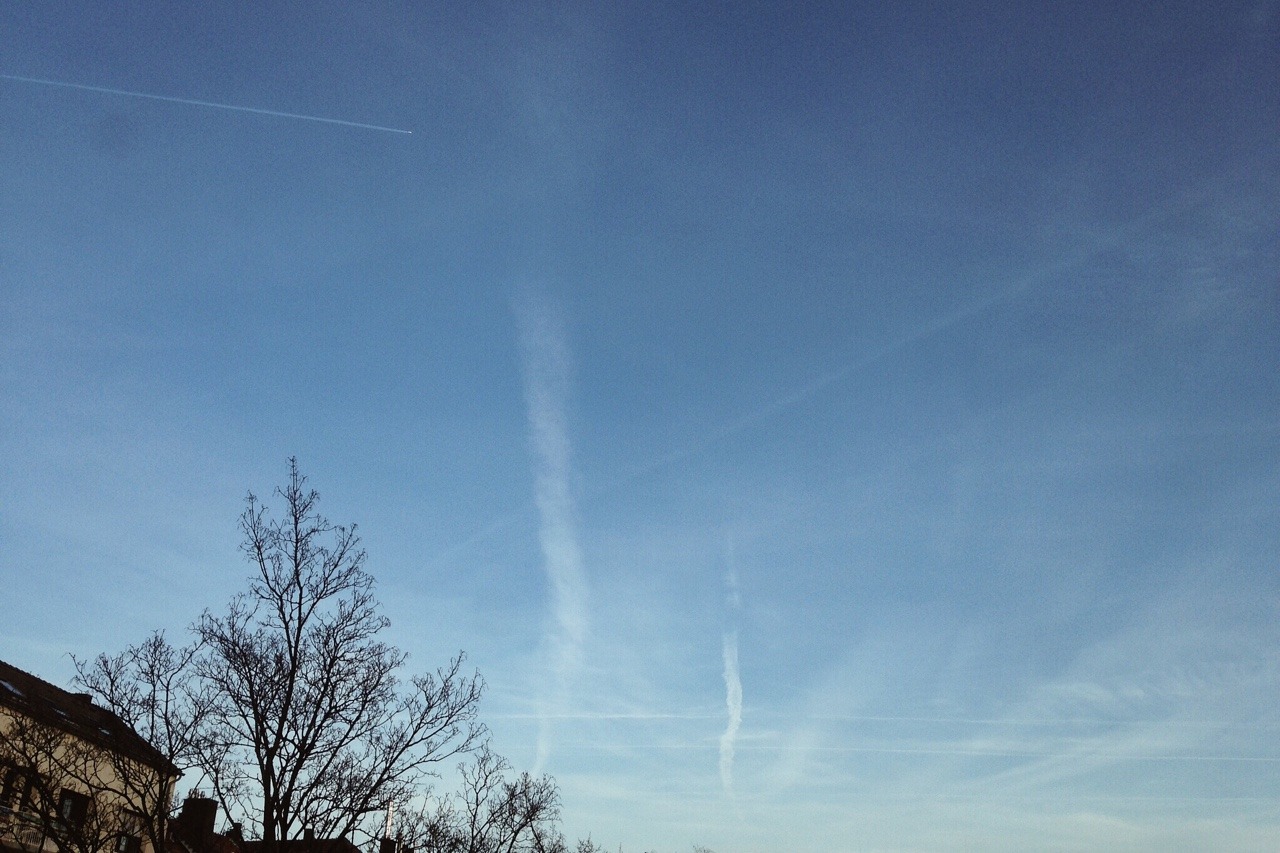
102/365: Contrails.
Great drone-flyover video of a now-damaged road we drove many times while we were living in Sumner, Christchurch. It’s closed due to the earthquake in February 2011 and is only scheduled to re-open by early 2018. Jeez!
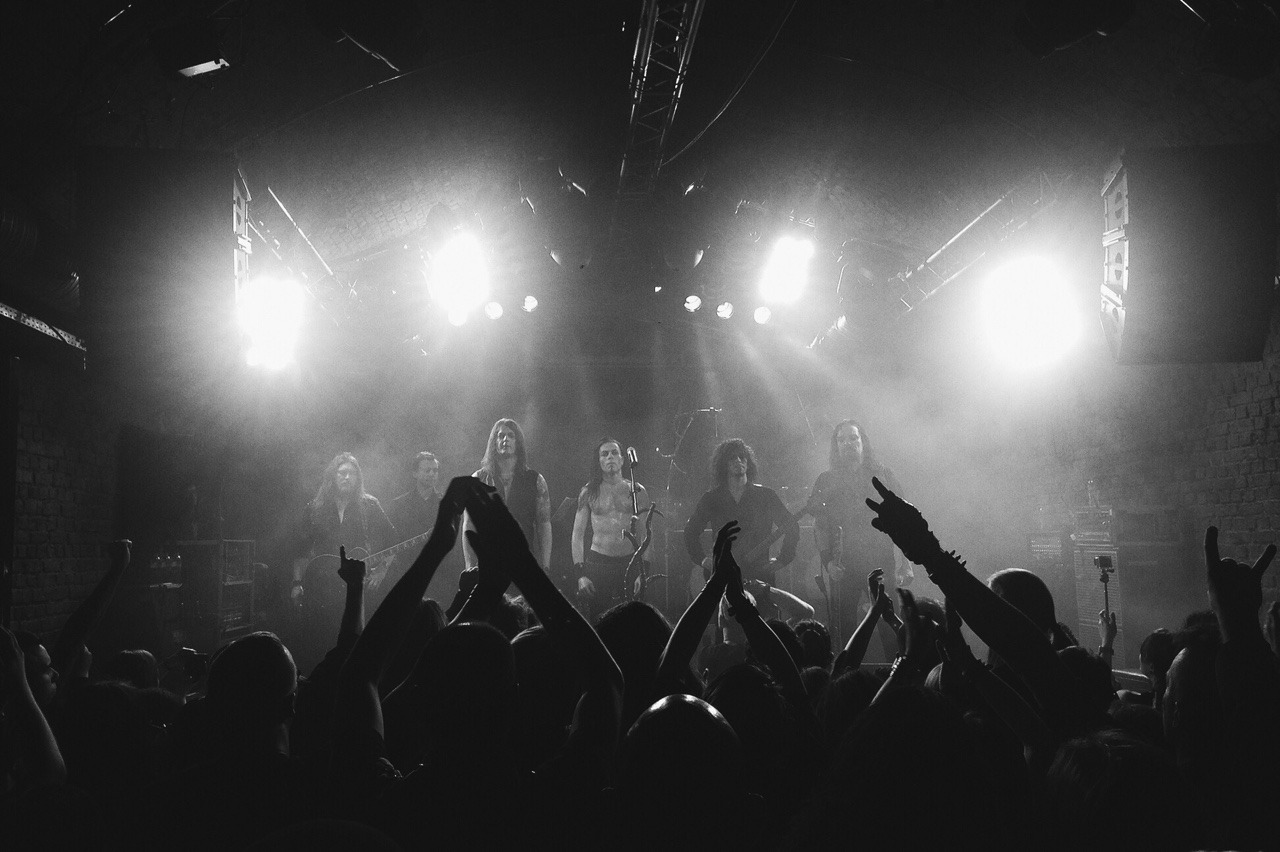
101/365: Satyricon right after their gig at Matrix, Bochum.
Another fantastic show of one of my favourite bands. Almost two hours of pure awesomeness!
Tonight in Bochum!

Helpful post from Fraser Speirs:
This is the story of migrating from a system that involved Aperture and a bunch of jury-rigged hacks to Apple’s new Photos for OS X.
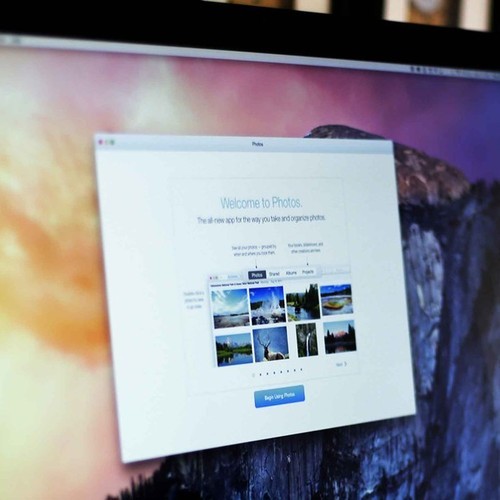
Currently reading through this. I’d like to replace Aperture, but the new Photos app doesn’t (yet) seem to be a drop-in replacement. The things I’d definitely be missing would be geotagging and Automator/AppleScript support and maybe third-party adjustments/presets.
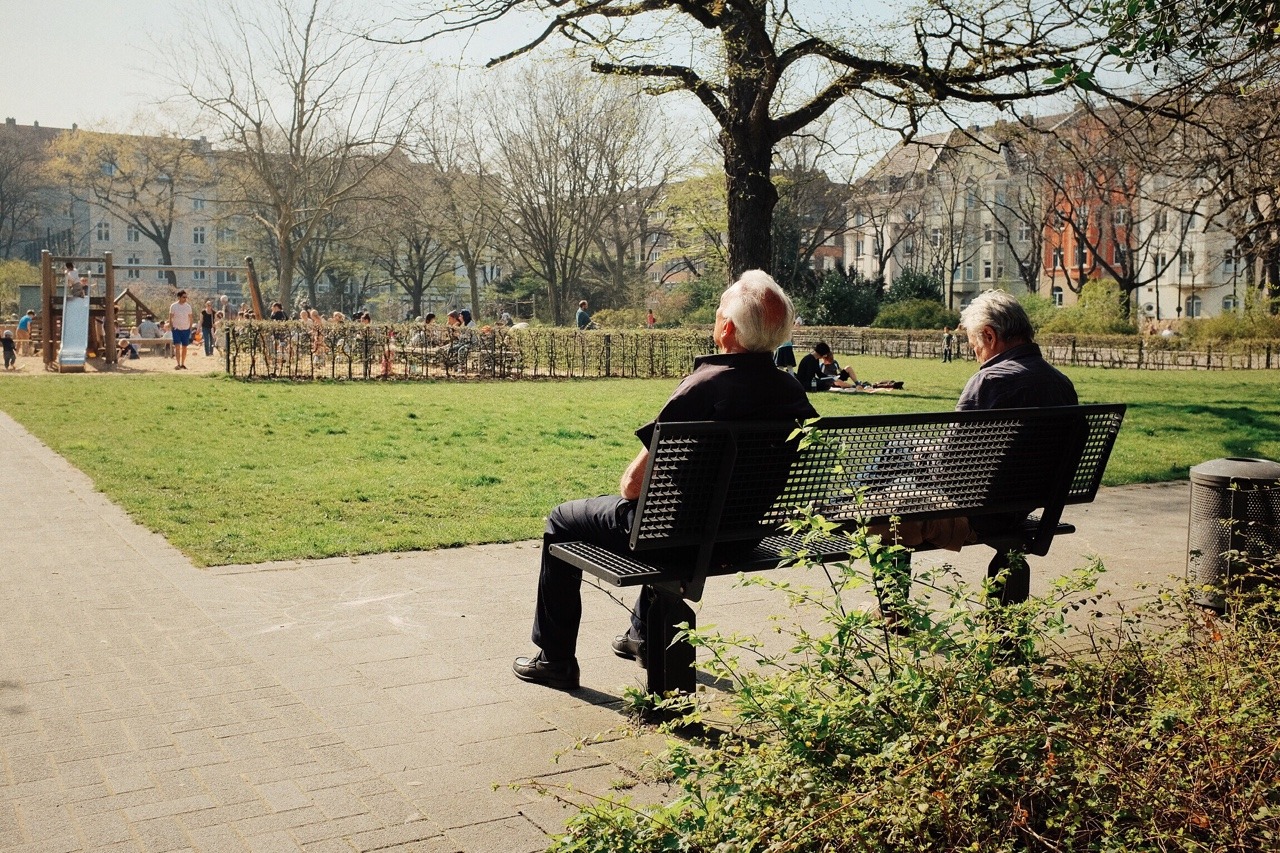
100/365: Spring is here.
Here’s a little CSS-snippet that let’s you select only photos of a certain orientation in your Tumblr theme.
A little warning up-front: it’s not foolproof. It relies on that you post high-resolution photos at a size that fills Tumblr’s maximum photo dimensions, which means, landscape photos should be at least 1280px wide and portrait photos should be 1920px tall.
Update 29.04.2015: I was wrong with assuming portrait photos are always 1920px high. They of course also max out at 1280px in width. So I’ve updated the post to still make it work.
So, here’s how to do it:
The HTML img-tag must specify the width and height attributes. Like this, for example:
<img src="{PhotoURL-HighRes}" width="{PhotoWidth-HighRes}" height="{PhotoHeight-HighRes}" alt="{PhotoAlt}">
This gives you the ability to select images of a certain orientation with a combination of the CSS attribute-selectors and the negation pseudo-class. Assuming your photos are always 1280px wide – no matter if they’re landscape or portrait – you’ll need to specify a :not-selector for each aspect ratio’s height you’re going to use.
So, for example, for a 2:3-ratio, the height would be 1920px and hence the selector would need to reflect that.
Here’s an example how I select only landscape photos by excluding images that have a portrait orientation and have an aspect ratio of 2:3 and 3:4. I use this to make landscape images wider than the otherwise 700px-wide container:
/* only for displays wider than 900px */
@media (min-width: 900px) {
  /* selects landscape <img>s by selecting only the ones that are 1280px wide, and not 1920px tall */
  main .post.photo.photos img[width="1280"]:not([height="1920"]):not([height="1707"]) {
    max-width: 900px;
    margin-left: -100px;
  }
}
For selecting only landscape photos, you can just use img[height="1920"]img[height="1707"].
Again, this won’t work, if you do not upload high-res images. But if you do and want to style photos differently based on their orientation, this might be a good-enough solution for you, too.
Over the last couple of days, I created my first Tumblr theme to give this site a little refresh. My major focus was typography and a more simple and more semantic markup.
I’ll continue to improve and refine the theme, but I think the major bits are all done. Take a look, if you haven’t already!
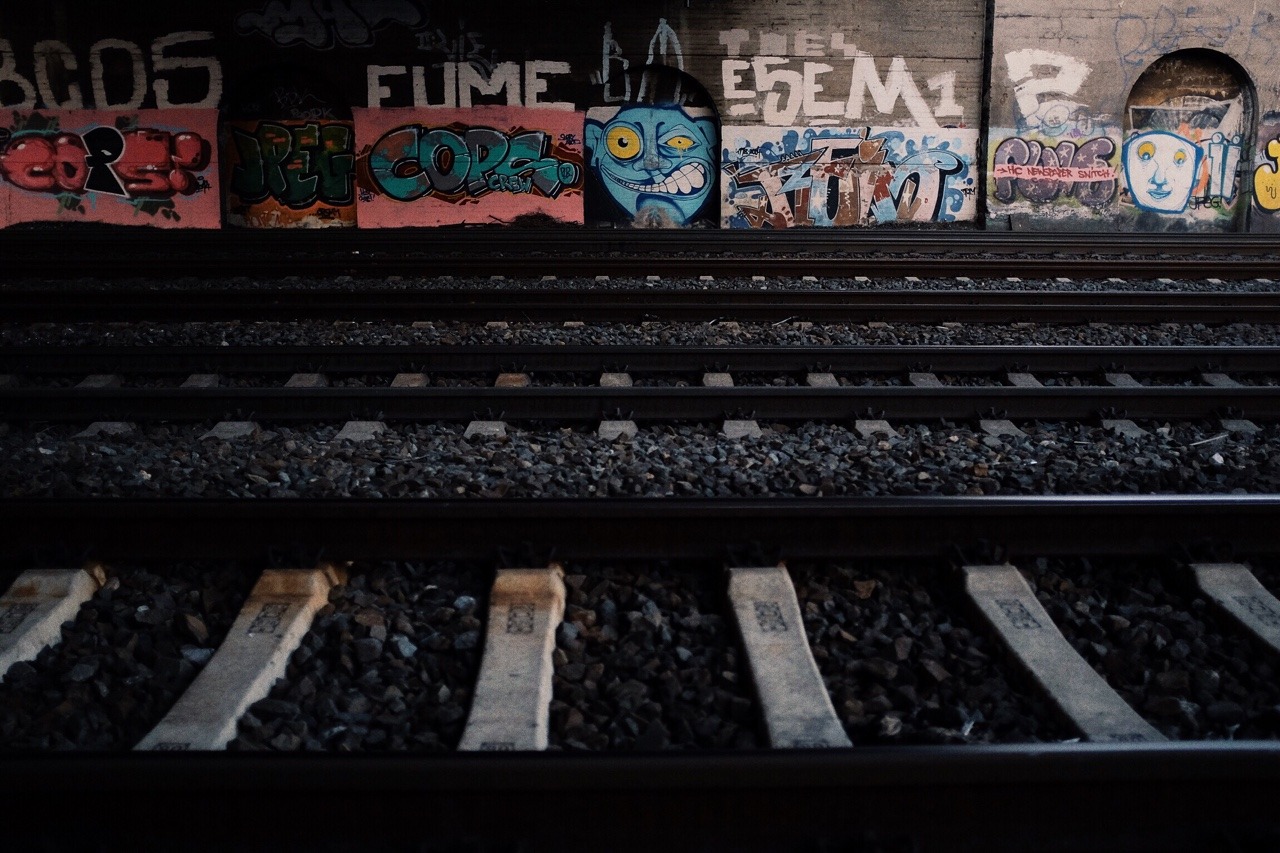
99/365: Grrrrrrrr!
The new Psycroptic rocks!

98/365: Finally reading through the anarchist booklet I received a couple of weeks ago.