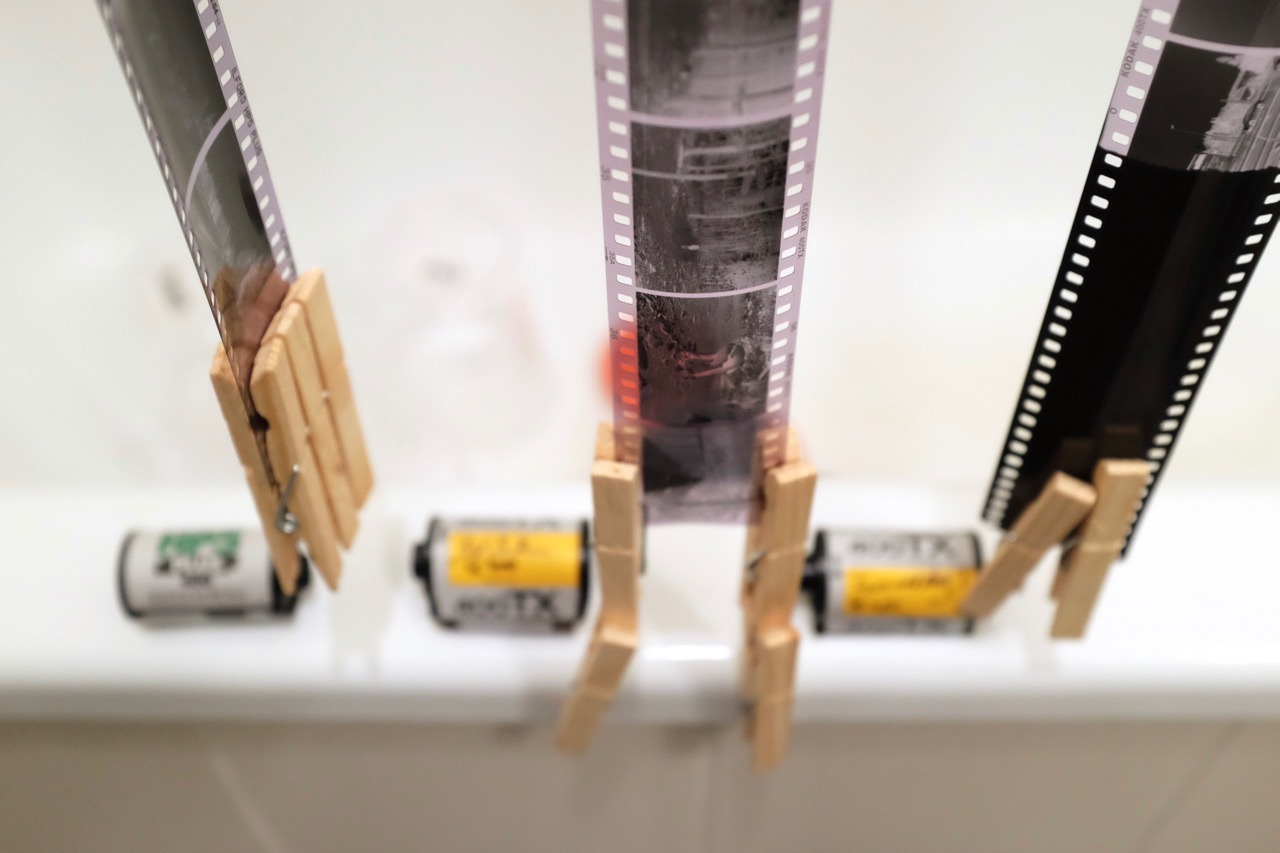
It’s still drying as I post this. And I’m pretty happy and relieved that the negatives seem to have turned out ok and you can actually see stuff. It took me the whole evening to figure everything out and then develop it. And I still wasn’t sure, if I screwed it up during various times during the process. Next steps: dry completely, then cutting, scanning and archiving.
Last week, I’ve been developing and scanning my first roll of 35mm film. I’m going to share some thoughts on this process and of course, I’m going to share some of the photos.
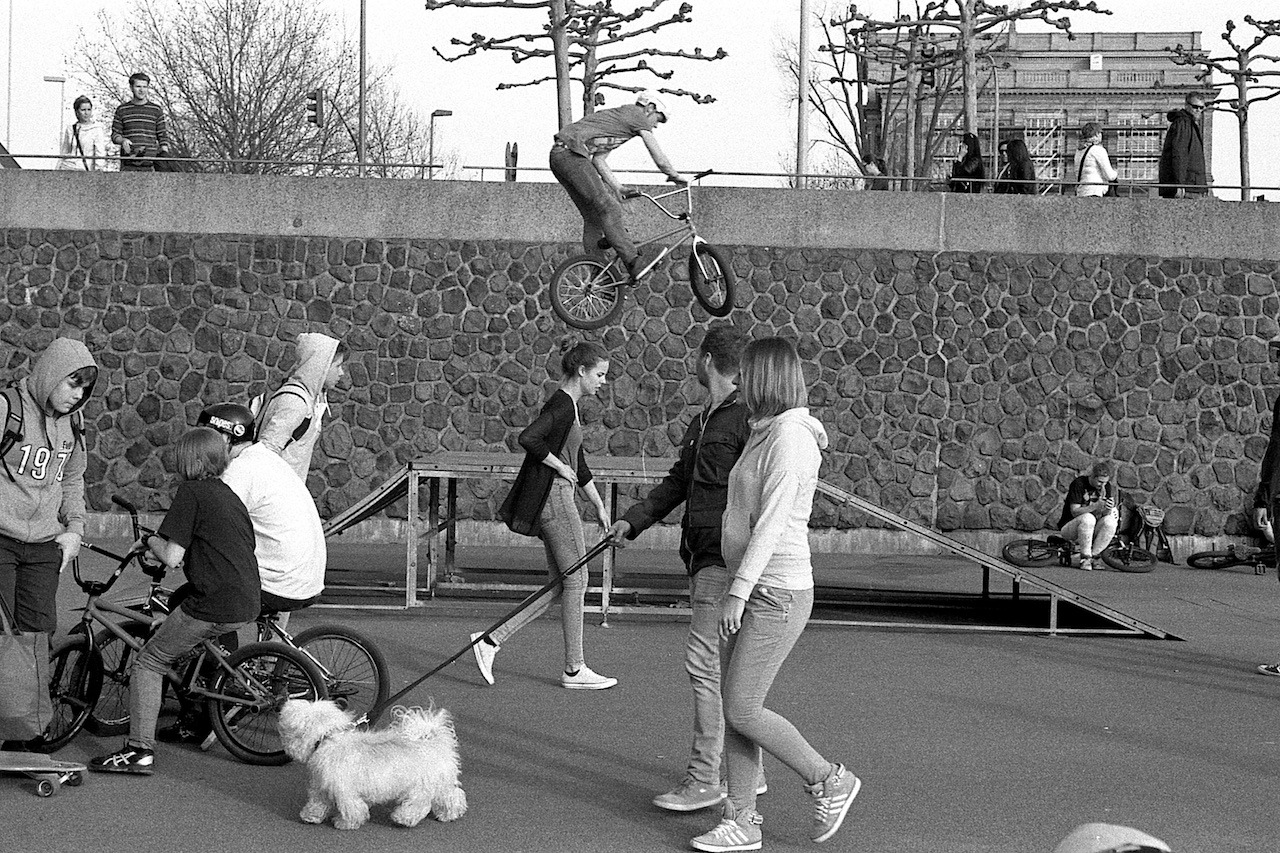
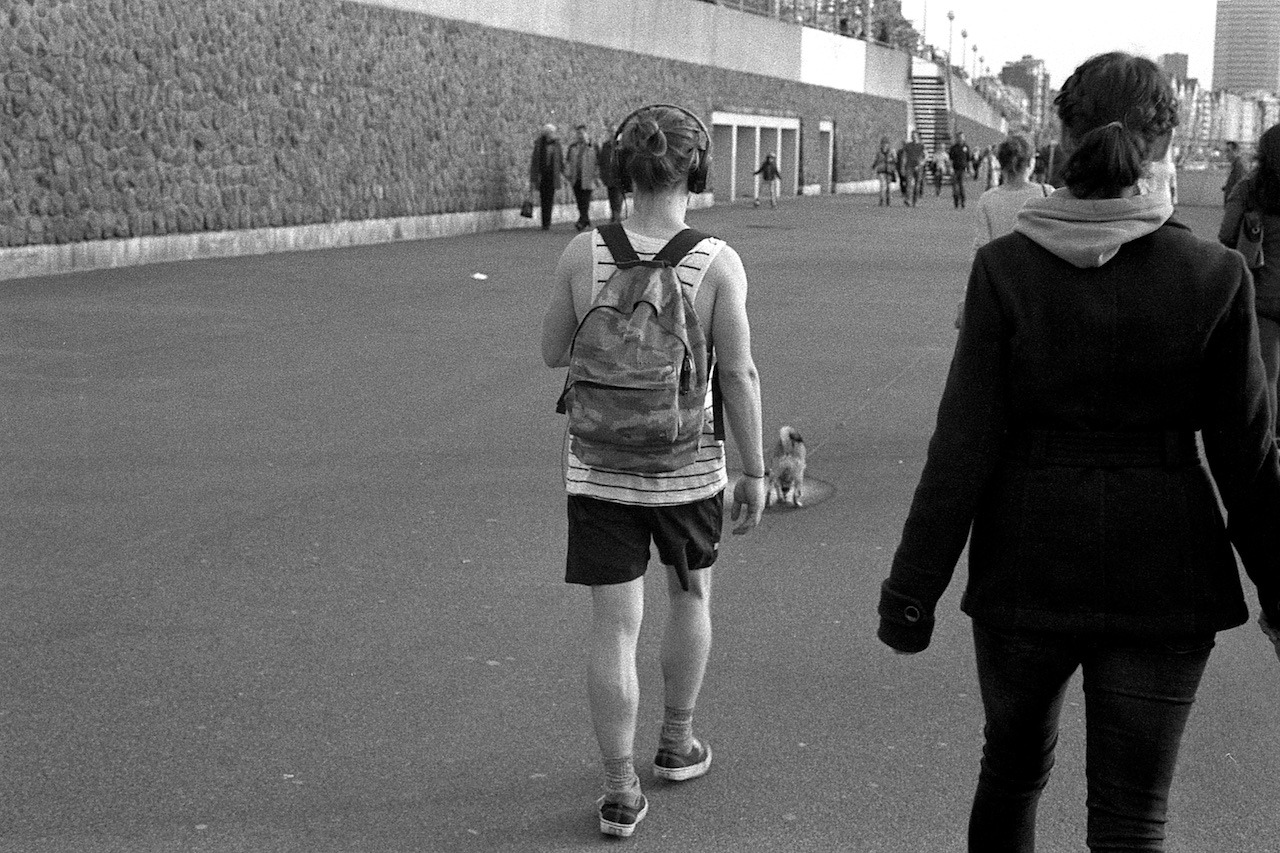
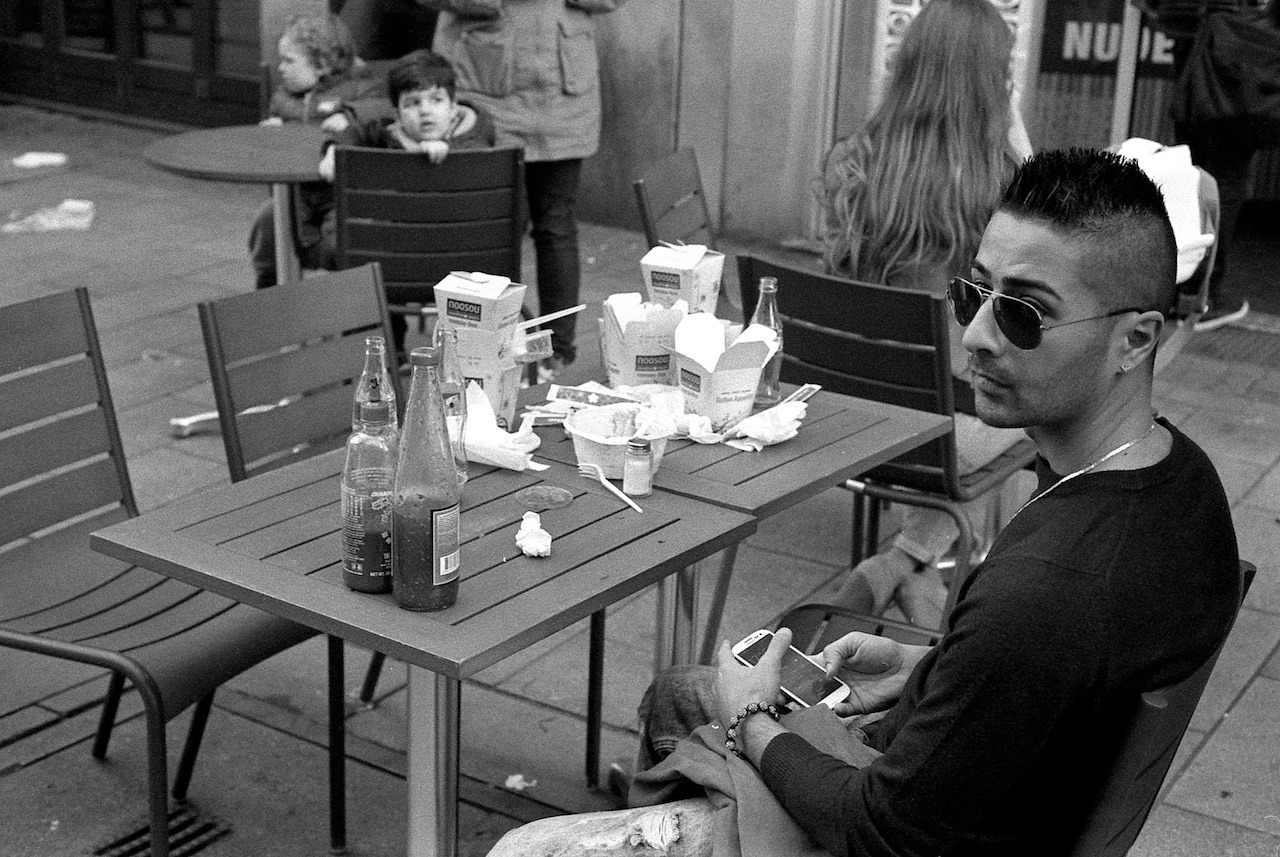
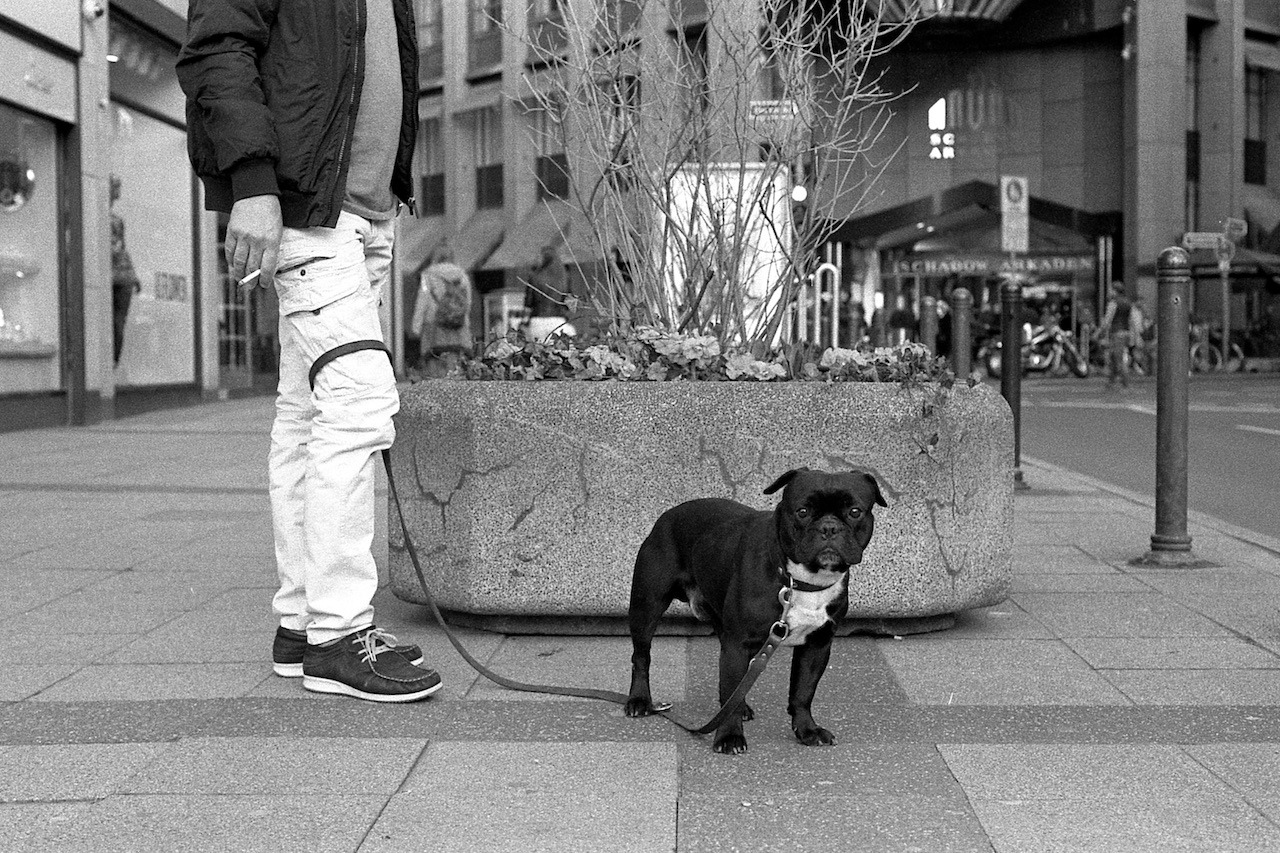
All the black and white photos shown here were shot using my Nikon FE with a 50mm E-Series lens on a beautiful and relatively warm Sunday afternoon two weeks ago in Düsseldorf. The film was a black and white Ilford HP5 Plus.
Developing
Drying film roll
The developing was a bit of a daunting task, since I didn’t want to screw up and ruin the film – either by accidentally exposing the film to light, or by making a mistake during the developing process using the chemicals.
So, I first spent some time to read about how to develop a black and white film and also watched a couple of YouTube videos. And ultimately, I found a PDF from Ilford’s website to be the best guide. Although, I specifically developed an Ilford film – a HP5 Plus – I think this PDF would be helpful regardless of the film.
FilmDev.org: Developing recipes. A good resource to see how other people are developing their films and for reassuring yourself that you’re doing the right thing.
So, the first step was to get the film onto the reel.
After I shot the film, I didn’t wind back the film completely, so the leader was still outside. This gave me the option not having to crack open the roll in the dark and thus having to handle all steps in complete darkness. Since the leader was out, I could insert the first bit of the film into the reel with the lights on.
Winding the film onto the reel was quite fiddly, and I didn’t quite manage to get it on there as shown in the videos. But eventually, I got it on there by simply pushing the film in bit by bit.
It was definitely summer for this guy
Then, I had to develop the film in four steps:
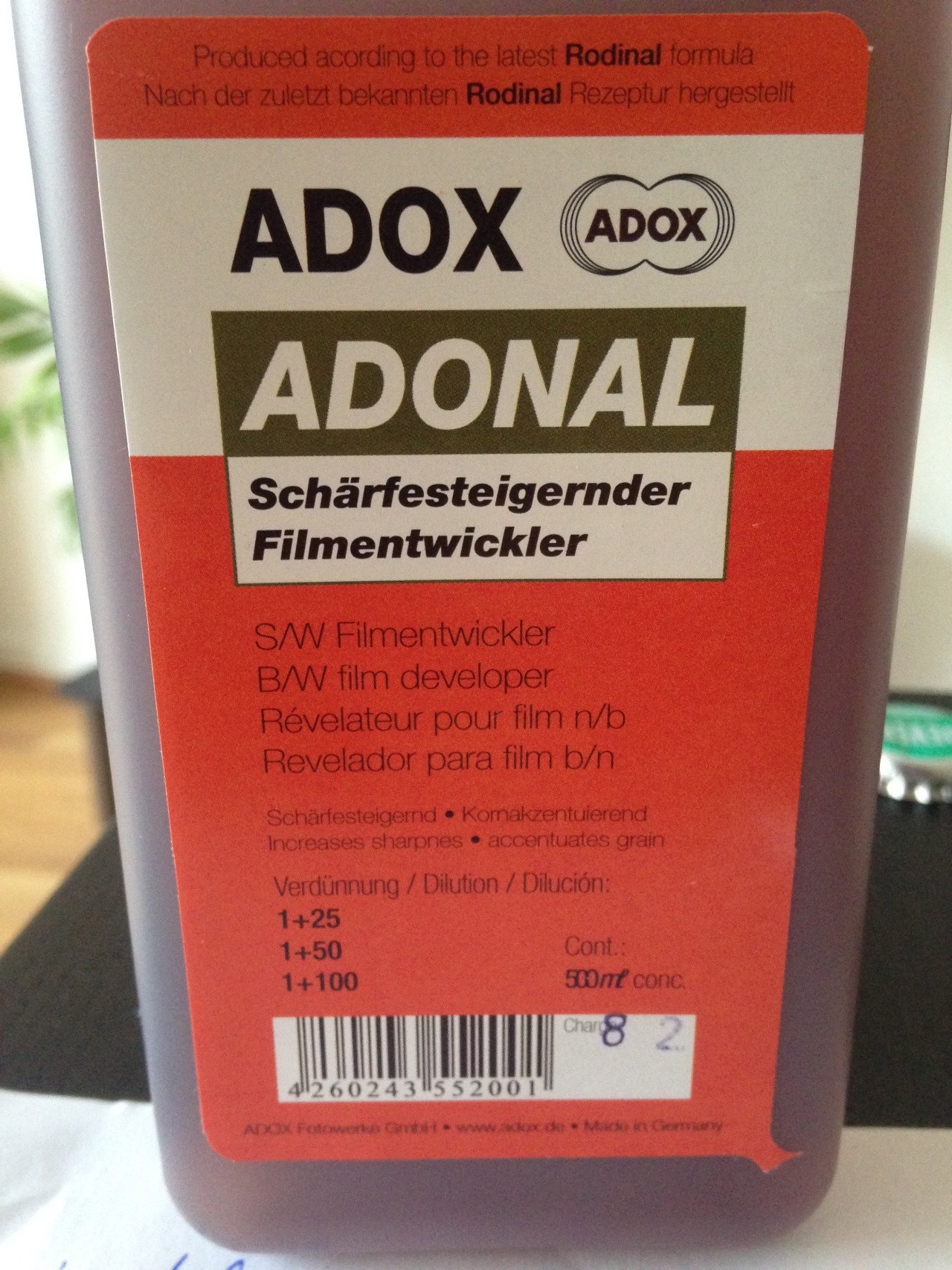
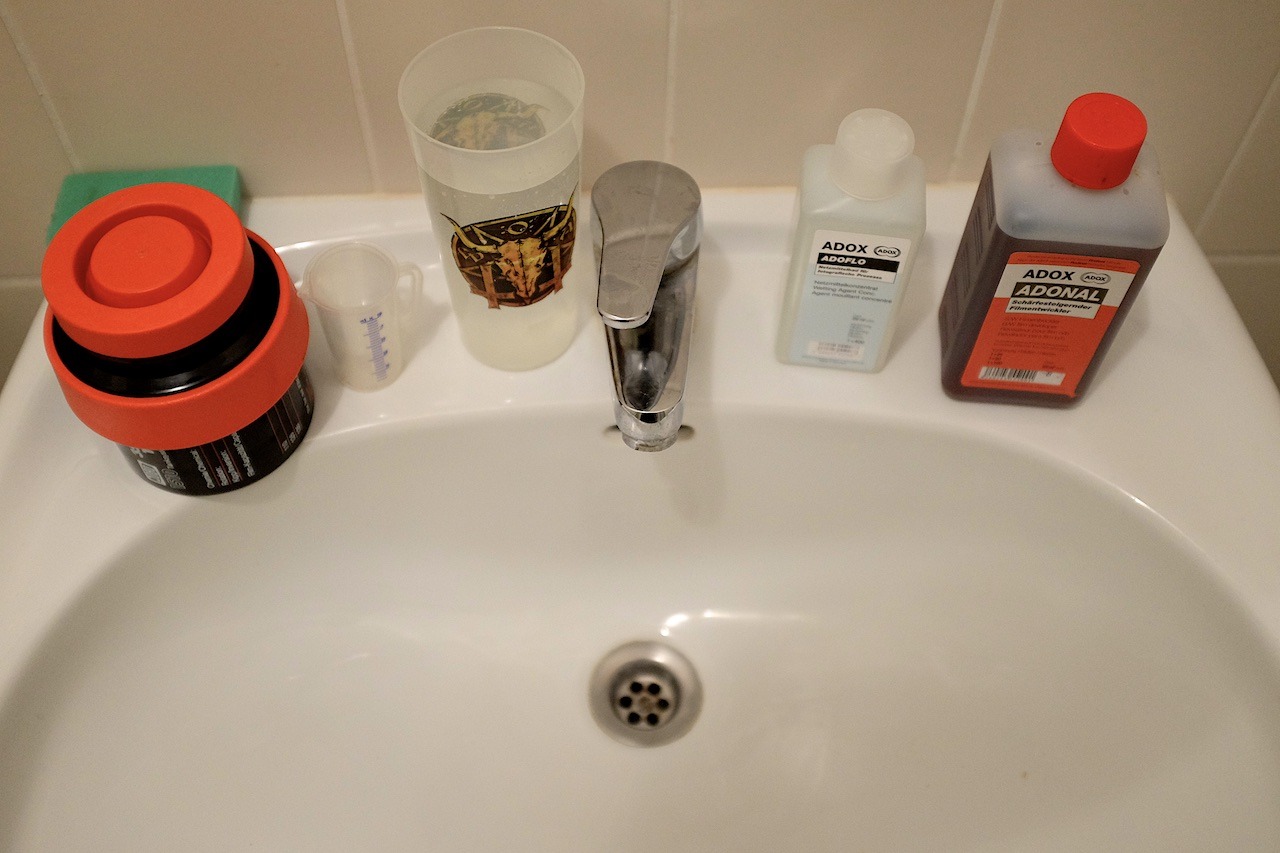
Developing it with the Rodinal-solution (Adox Adonal).
Stopping development with a stop bath.
Fixing the film (using a Adox Adofix solution).
Washing (and using Adox Adolfo wetting agent at the final rinse).
The Rodinal developer
For each process, I used a chemical solution, and all of them had to be tempered to roughly 20°C. It was a bit tedious to prepare all the solutions and especially maintaining them at 20°. But as I found out later, you probably don’t really need the chemicals for steps 2. and 4. And keeping all solutions at 20 degrees seems not to be too important, either. So next time, I’ll try without the chemicals for these steps and just use water.
And, what I should have done after washing (the last step), is wipe the whole film with a sponge to get rid of any remaining solution residues and also to get rid of the first few dust particles that might have already settle onto the film.
Then it was time for drying for which I just hung the strip over the bath tub.
On last word of caution: you should be aware that these chemicals are not harmless. I had a lightly irritated eye a bit later, probably from the solution fumes. So take care with those chemicals!
Watching football
Scanning
To be able to scan the images, I had to cut the film-strip into sets of six images, so they fit into the scanner’s tray. Pretty easy. Just use regular scissors.
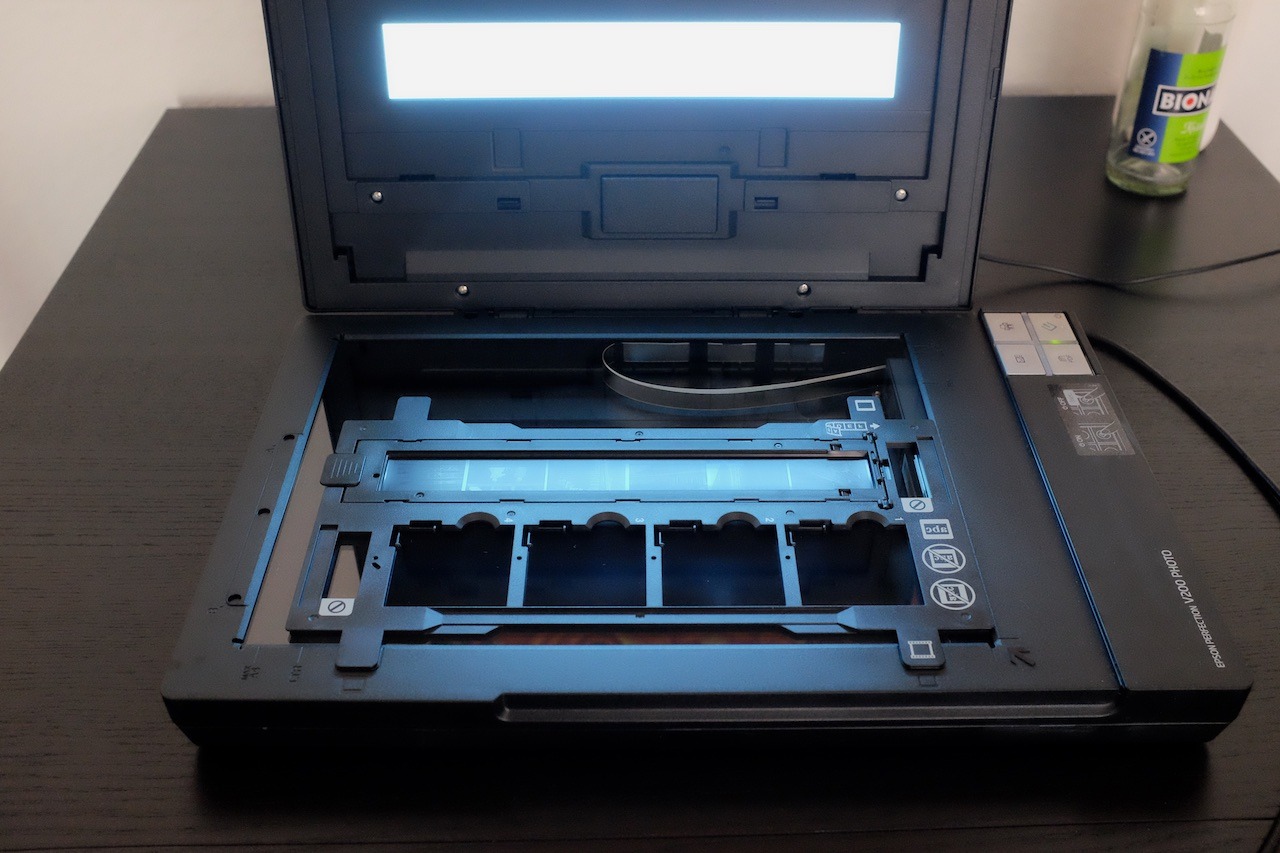
Scanning the negatives
The scanning itself was pretty straight forward, too. I used a Epson Perfection V200 Photo scanner. The Software – “Epson Scan” – automatically recognises the individual images and it’s just a matter of choosing the resolution and file-format you want. I chose JPEG with 600 dpi for a 10x15cm target format, which gives me 8.7 megapixel images.
What I can recommend – and what I didn’t do right from the beginning – is to examine the negatives once again before putting them into the scanner and wiping them with a dry and clean cloth. This should get rid of any new dust.
Here are two helpful resources for the scanning process:
Overall, it was not really difficult to develop the film. And next time I’ll probably be considerably faster, since I’ll be more familiar with the process, and – as I said – will skip preparing the stop-bath solution.
So, I’m going to do this again. Especially since I really enjoy the whole workflow.
It’s really different to shoot film. I tend to shoot more deliberate, and also pay more attention to composition right away. There’s the suspense having to wait for your photos and not knowing how they turned out. And in the end there are way less photos to edit. And, I think I end up with a much higher percentage of “keepers”. And of course, I like the look of film.
Here’s a quick tip for getting two rolls of 120 format film onto a single plastic development reel consitently and safely (i.e. wihout having the films overlap inside the tank):
Warm up the reel before winding on the films.
The reel should be dry to begin with. To warm it up, I simply put it out in the sun for a couple of minutes or use a hair dryer for a few seconds.
I’ve read this tip on a forum somewhere, and I haven’t had issues since I started following it.
Detailed instructions
When you have warmed up the reel, put everything in the darkbag (or darkroom) and start loading the first roll as you normally would.
Once you’ve ratcheted it on, use your fingers (as the ratcheting won’t work once the film is on completely) to keep winding it on until it hits the inner end of the reel. (Since I can’t handle the film on its side for this, I do touch the film directly.) Because the reel is dry and warm, this should work without resistance from the material. If you feel you have to force it, there’s a good chance you won’t get the film in completely. In this case, I would start from scratch or bite the bullet, and simply develop only one roll this time around.
Once the first roll is in, load the second roll as you did the first. Both ratcheting or simply pushing the film on do work in my experience. Make sure to not wind it in too far. There’s not much extra space on these reels, so stop winding as soon as the second one is on completely.
That’s it! Now you can start developing.
What I’m using
I am using a Kaiser Developing Tank with plastic reels for my film developing, which can hold two reels with one 35mm film each, or a single, expanded reel to hold medium format film. The only way to develop more than one 120 roll in a tank like this, is to spool two onto a single reel. And with it comes the risk of having the films overlap.
If you’re using a different tank system, this tip should also apply as long as the reels are plastic.
I tried loading more than one film several times before following this tip. It sometimes worked, and sometimes didn’t. Which meant I had films overlapping (quite substantially at times) and I lost quite a few negatives, because they came out undeveloped or only partially developed.
This one was on the verge of being lost.Most lost frames look much worse than this, where you can’t even figure out what was being photographed. And most frames I didn’t even scan.
Bonus tips for developing 120 film
Peel off half of the tape that holds each film roll together before placing it into the darkbag. This makes it easier to open the roll in the dark.
Always use enough developer (probably more than it says in the instructions for 120 film). Without a second reel to hold everything in place, there’s a good chance it’ll slide up a little during agitation, and will no longer be completely covered by the developer.
An example where I didn’t have enough developer in the tank. The shape of the undeveloped parts on the right comes from all the air bubbles that accumulate around the developer surface.