January 2019 – Daniel Pietzsch’s Photo Journal
photojournal.danielpietzsch.com
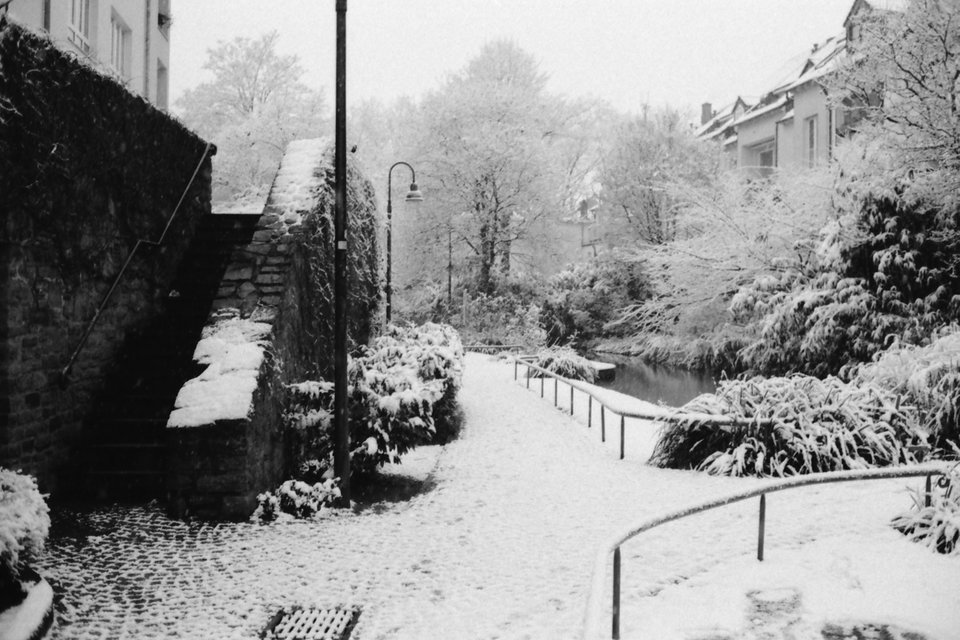
Dad on a visit and other daily-life snapshots.
Boom! Another journal entry!
photojournal.danielpietzsch.com
Dad on a visit and other daily-life snapshots.
Boom! Another journal entry!
photojournal.danielpietzsch.com
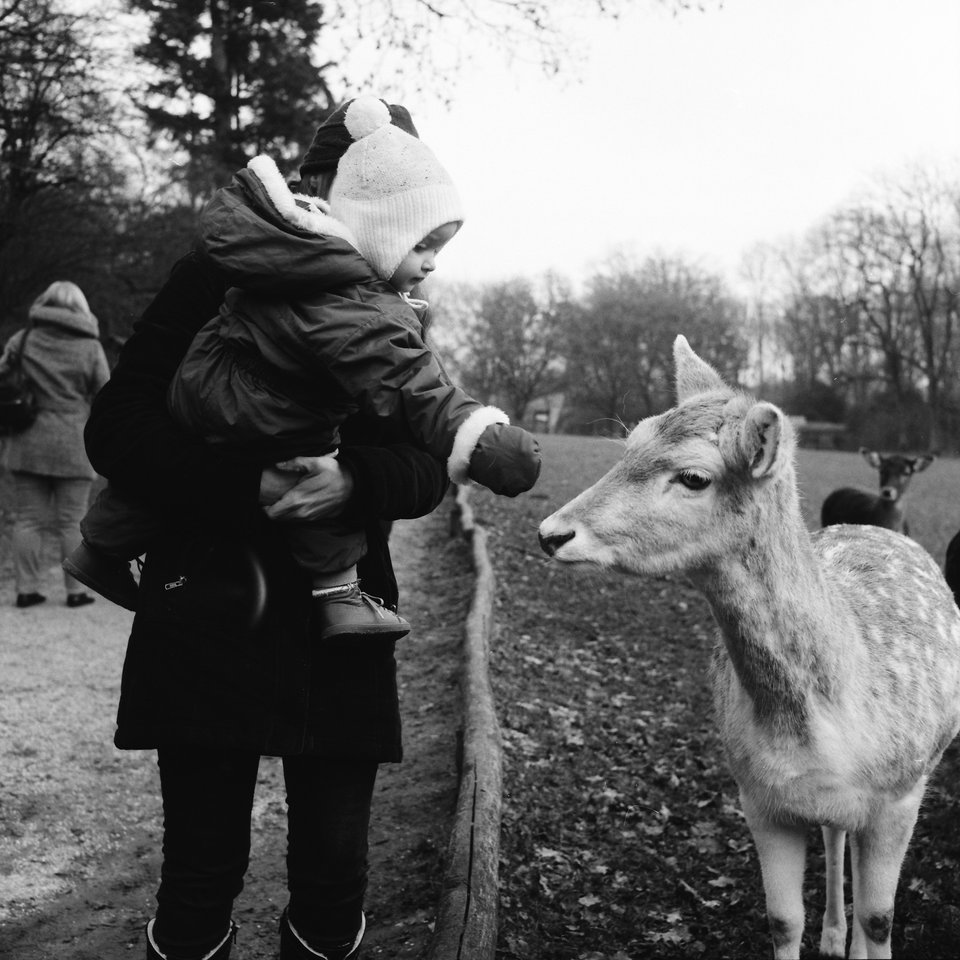
Still in a bit of a photographic rut, I didn’t take that many pictures this month, either. But here are twelve. And this wraps up 2018.
Finally wrapping up 2018.
photojournal.danielpietzsch.com
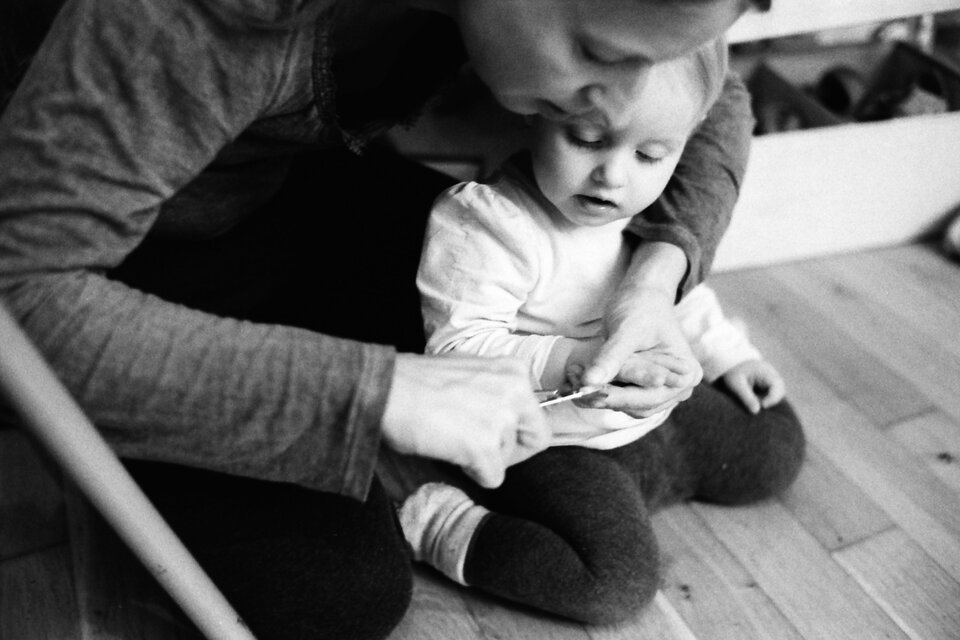
Simply ten photographs.
I wouldn’t call it “catching up on my photo blog”, but at least here’s another post.
Today I learned, you can indeed merge two Git repositories and keep the history intact. Not quite sure, if I will need this ever again, but it’s good to know I could. Here’s the code snippet of Andresch Serj’s answer on Stack Overflow:
If you want to merge
project-aintoproject-b:
cd path/to/project-b
git remote add project-a path/to/project-a
git fetch project-a --tags
git merge --allow-unrelated-histories project-a/master # or whichever branch you want to merge
git remote remove project-a
Das vorläufige (deutsche) Ergebnis der Europawahl macht mir etwas Hoffnung, ist aber dann doch leider wieder relativ ernüchternd (und teilweise besorgniserregend).
IndieWebCamp keeps inspiring me. Having had so much interesting conversations with interesting people that care about similar things, motivates me to work on my own homepage, blog and other web projects.
And so I’m currently still excited about IndieWeb stuff and am researching potential tools, hosting options and workflows for my personal sites.
And I’m still fancying going static with my blog, too. Most of my other projects are static already. It’s either indeed a plain hand-written static site, or generated via Jekyll, my SSG of choice (so far).
While researching, I found the following (somewhat random) articles and resources interesting and helpful so far.
By Aaron Gustafson:
By Michael Ummels:
By Christopher Kirk-Nielsen for Smashing Magazine:
Chris Ferdinandi’s whole website seems to be a treasure trove in this regard. So far I’ve read:
I think as a first step, I might neglect the “hosting” part of my upcoming solutions a little bit. I want the hosting and deployment to be as simple as possible. And so I might sacrifice my other principles about server location and using renewable energy sources in the short term. I’m currently looking into these hosting options:
The good thing about static sites is, that they are very easy to move and host somewhere else, should I decide to do so.
Am Sonntag kann man hier in Deutschland seine Stimme zur Europawahl 2019 abgeben. Ich habe bereits diese Woche meinen Stimmzettel per Briefwahl abgeschickt.
Wahlkämpfe an sich ignoriere ich meistens so gut es geht. Klar, man bekommt verstärkt (angebliche) Positionen und Leistungen der Parteien mit, aber ich stempel’ die Plakate etc. unter “Werbung” ab. Es ist mir auch äußerst suspekt, dass sich anscheinend viele Leute davon beeinflussen lassen.
Mich interessiert hauptsächlich die grundlegende Haltung und Position einer Partei und wofür sie sich in der Tat in der Vergangenheit eingesetzt hat. Und da tut sich bei den einzelnen Parteien immer nicht viel. Seit Jahren gibt es für mich eigentlich nur zwei, die für mich wählbar sind.
Und auch wenn ich den Wahlkampf versuche zu ignorieren, checke ich vor einer Wahl trotzdem nochmal verstärkt, ob “meine” Parteien für mich immer noch die beste Wahl sind, und ob die nicht-wählbaren Parteien immer noch solche sind. Das war in den letzten Jahren immer der Fall.
Und so brauchte ich auch dieses Mal nicht lange überlegen.
Tonight, I decided to host my Focal Length Equivalent tool on Github Pages using a custom subdomain: fl.danielpietzsch.com.
I’ll probably start using Github Pages more for these kind of static, simple, open-source sites. I really like the simplicity of the whole workflow and that you can easily get going with a custom domain and – crucially – a free, auto-renewing SSL certificate to serve it over HTTPS.
So, it’s still a PWA, which means it can be added to the home screen on a mobile device and will also be available offline.
As someone who’s worried the keyboard on a new Mac can stop working properly, it’s good to know Apple has a service program already in place for that particular problem.
Also, for existing models with the third-generation keyboard — last year’s new MacBook Pros and the new MacBook Air — if they require a keyboard replacement, they’ll get the new tweaked keyboard with the purportedly more durable mechanism.
Makes me feel a little more comfortable with this new machine.
Early this morning, we drove back from our short camping trip. It was supposed to only take an hour to get back. But it took us two, because we had a flat tyre. Never had this before. And luckily, nothing bad happened, despite it happening while on the Autobahn.
And fortunately, we were able to stop next to an on-ramp, where right next to you everyone is not as fast as the rest. Still, I wasn’t exactly relaxed changing that wheel.
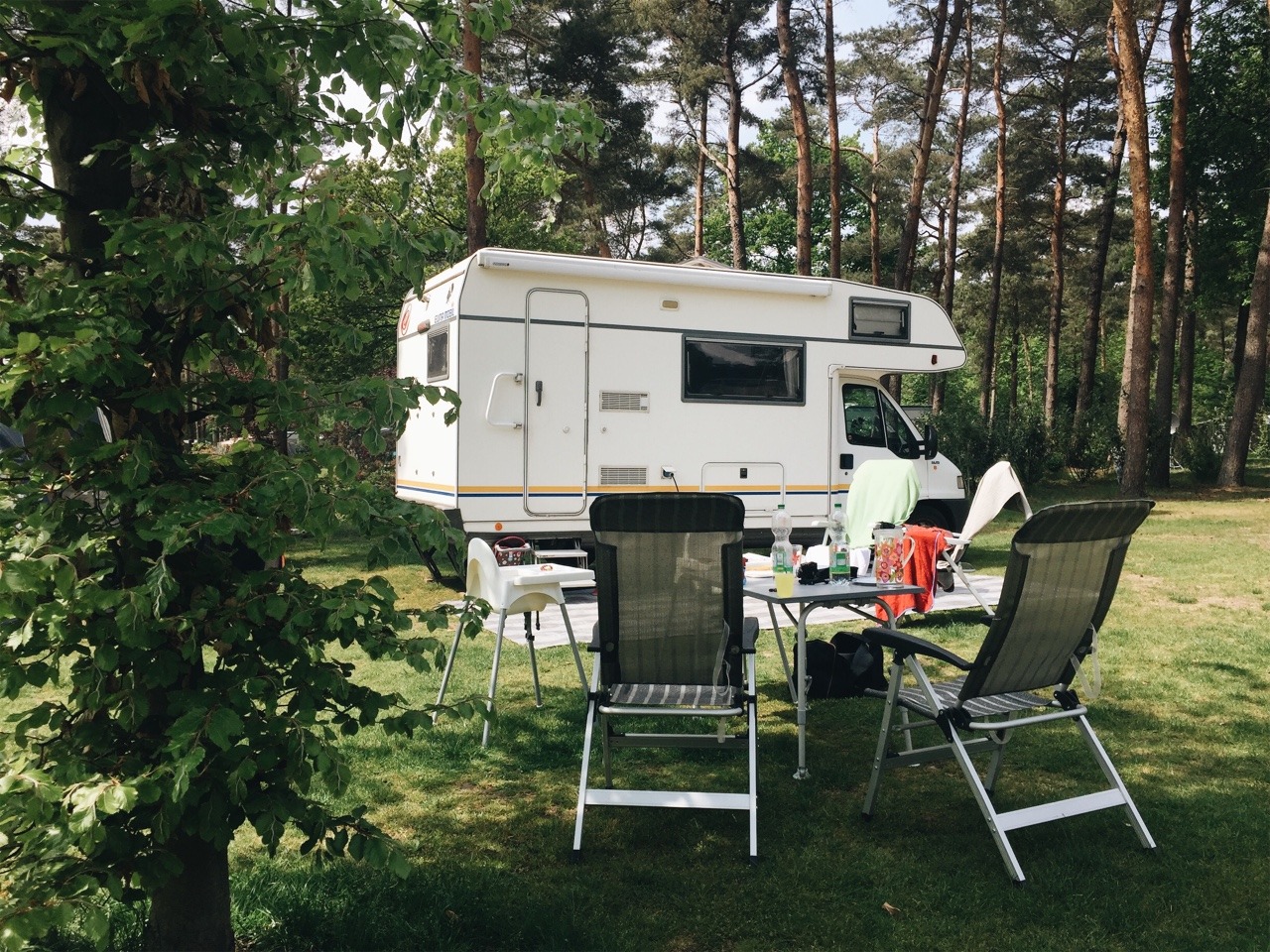
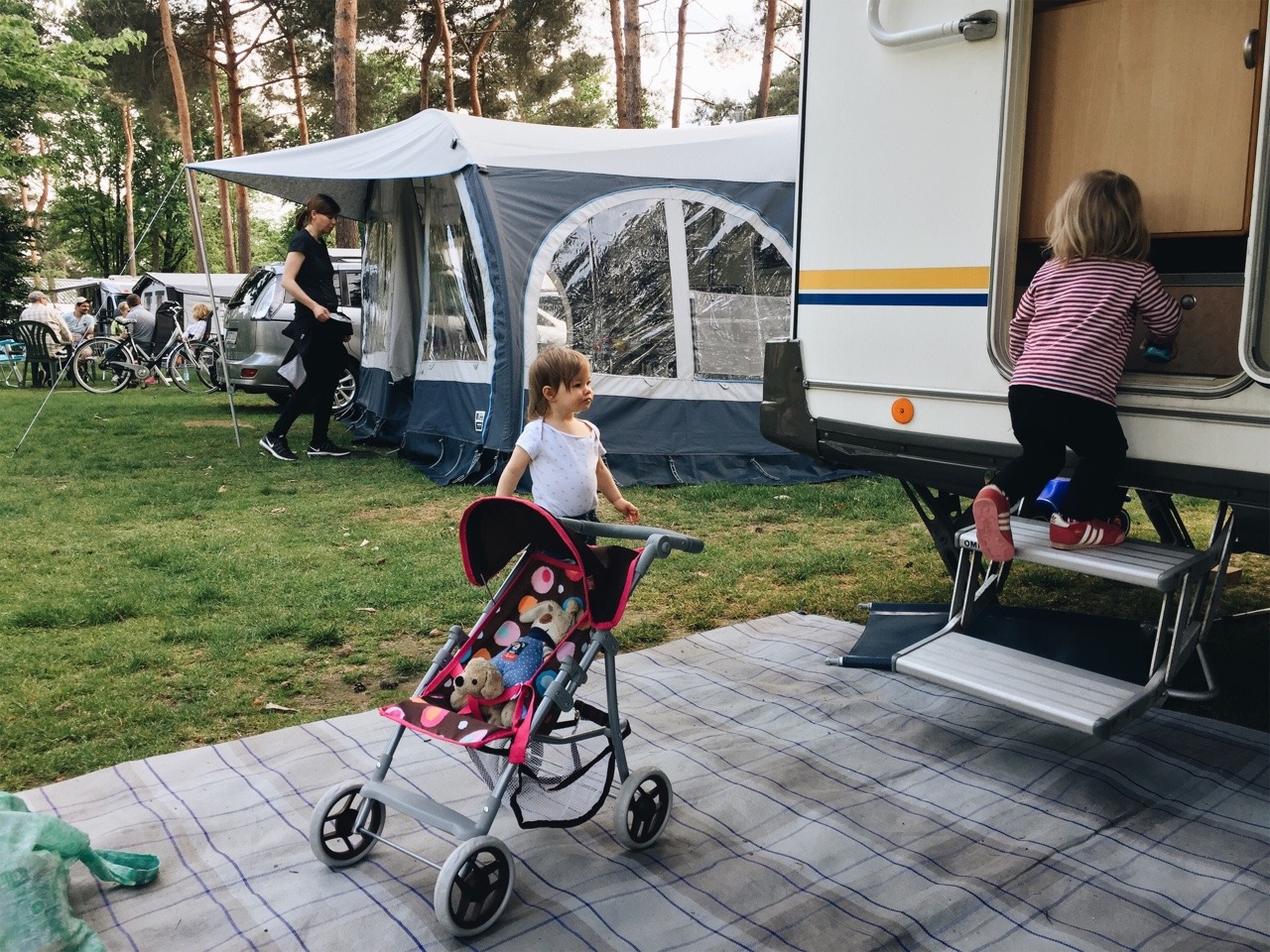
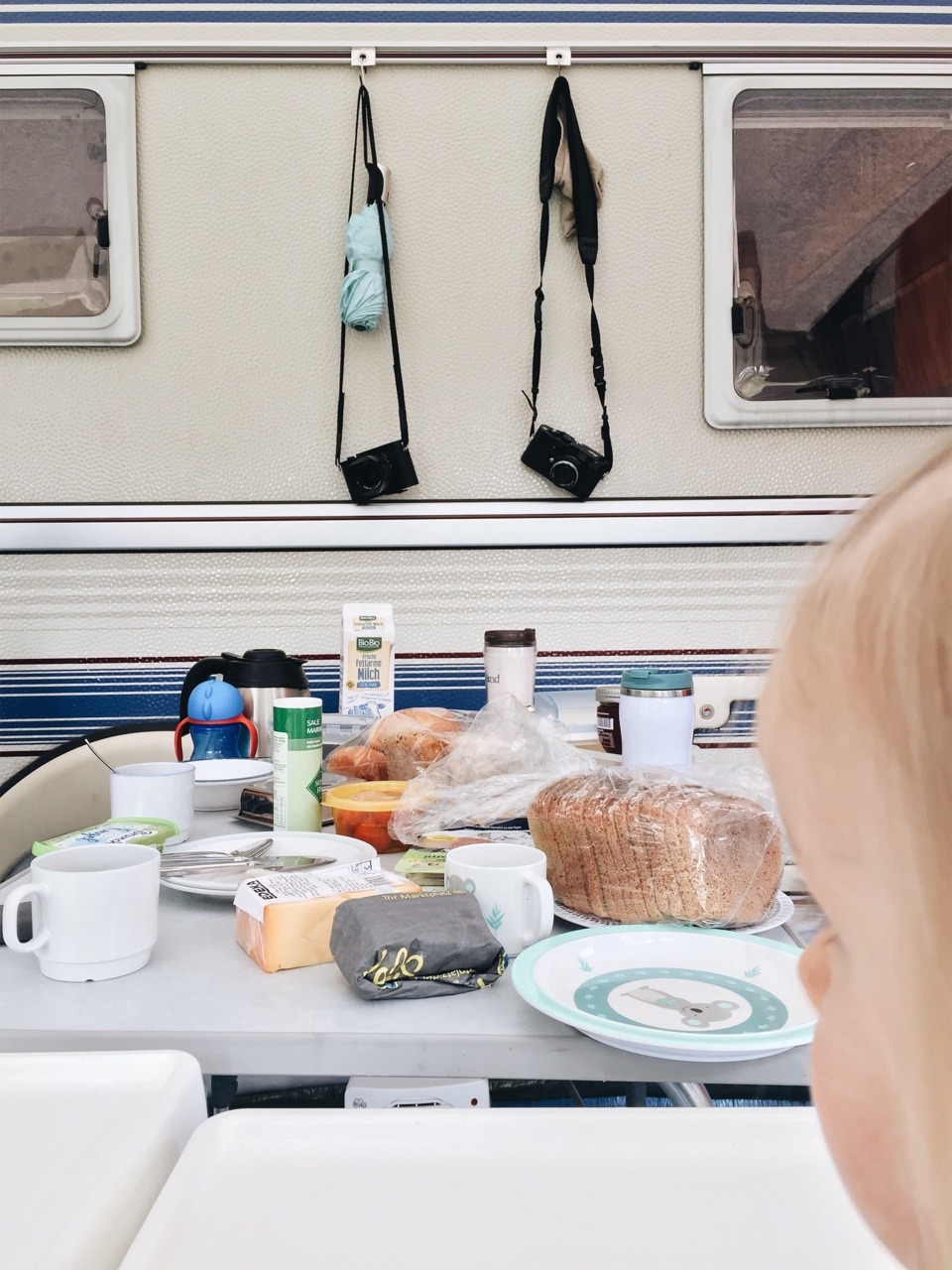
The weather is better than expected and so we’re staying a night longer than planned. Good times!
I only found out once I switched to an English keyboard layout that macOS has a useful and intuitive shortcut to toggle through windows of the current foreground app: ⌘` (CMD-backtick).
This makes perfect sense on an English layout, because the backtick key is right above the Tab key. And so it’s a very similar shortcut as CMD-Tab, which toggles between windows of all currently open apps.
On a German keyboard layout, it’s the same shortcut by default: CMD-backtick. This makes no sense at all, because the backtick is next to the backspace and requires the Shift-key modifier, too.
Of course I was missing this handy shortcut once I switched back to a German layout again. And so I remapped ⌘` to ⌘^ to keep my muscle memory working for switching windows. Because the ^-key on a German layout has the same position as the ` on an English one.
Out and about on a short camping trip. The first of the year. While it’s been raining for most of the day, we’re still very much enjoying ourselves. It just always feels good spending time in and around the camper. Especially when it’s been a while. Looking forward to the next two days!
At IndieWebCamp, we collected an overview of everyone’s publishing software tools and hosting providers. And tonight I am doing a bit of research. I’m a little overwhelmed by only going through all those options. Of course, there’s an almost infinite amount of additional options out there, too.
Anyhow, to help narrowing it all down, I thought I’d write down some of my current thoughts on what I might want from both my future publishing tool and workflow for this blog, as well as the hosting options. Here we go:
Phew. And that’s just some of the things I‘m considering. Running a risk of overthinking this and never get anything done. I feel this is important, though. Especially to choice for the software.
It’s Sunday evening, and I’m back home from two very enjoyable days (and one night, too) at IndieWebCamp Düsseldorf 2019.
I met lots of friendly and interesting new people, had interesting discussion and conversations, learned new things and was also productive implementing new technologies on one of my projects.
Day one of the camp was the “Discussions” day: after the introduction round, everyone gathered to suggest discussions on IndieWeb-related topics. I spent my time at “URLs: How?”, “Offline Strategies”, “Hosting, SSG vs CMS vs Custom”, “Travel Data & Posts” and “Safety”. I learned something new in every one of them and/or contributed, too.
“Hosting, SSG vs CMS vs Custom” was maybe the most immediately interesting to me, since I’m keen to move my blog, and so I suggested this session myself. I was interested in how other folks publish to, host and deploy their own site. Everyone in the room shared their setup, which was absolutely fantastic! Now, I need to take some time, take those notes and research how I want to continue publishing this blog.
Sunday was Hacking Day.
That means, whatever you fancied to work on, you simply did – either on your own or with (the help of) others.
I myself added a Service Worker to my “Focal Length Equivalents” site and also made this a “Progressive Web App (PWA)”. A topic I wanted to start with for a long time and now I finally did.
I used Jeremy’s Minimal viable service worker script, and modified it a little to suit this page’s needs even better. Following Daniel’s suggestion, I deployed this via GitHub Pages; I needed to switch hosts, because I needed a (free) SSL certificate. Because serving your site over HTTPS is a prerequisite for using a service worker (and thus making the site available offline). Then I created a quick icon and followed the “Add to Home Screen” guide to turn the site into a PWA.
So, when you now go to https://danielpietzsch.github.io/fl/, it’ll be available offline (after that first visit of course), and you can also add it to your home screen on iOS or Android, and it’ll behave very similar to a native app.
The final step would be to actually use my custom subdomain again, which so far hasn’t worked, unfortunately.
At the end of the day, everyone demoed what they’ve worked on. I was super impressed by all the things that got done.
A big thanks to Marc, Tantek, Aaron, Jeremy and Joschi for making all this happen! This will not have been my last IndieWebCamp for sure!