Nicole and I went on a little tramping trip to Pirongia forest park a couple of weeks ago. Spent one night in a cosy little hut.
You can see all photos on Flickr.
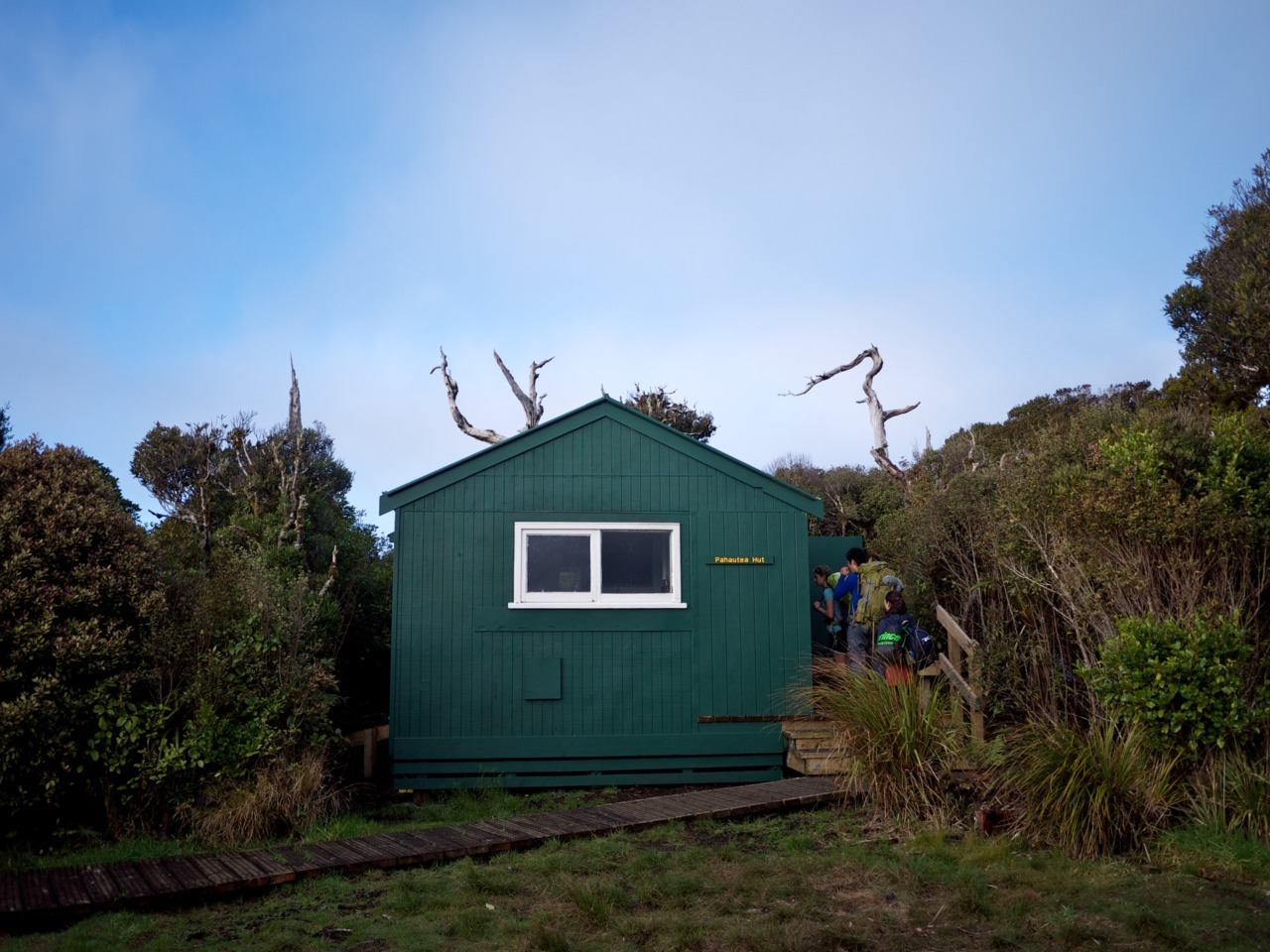
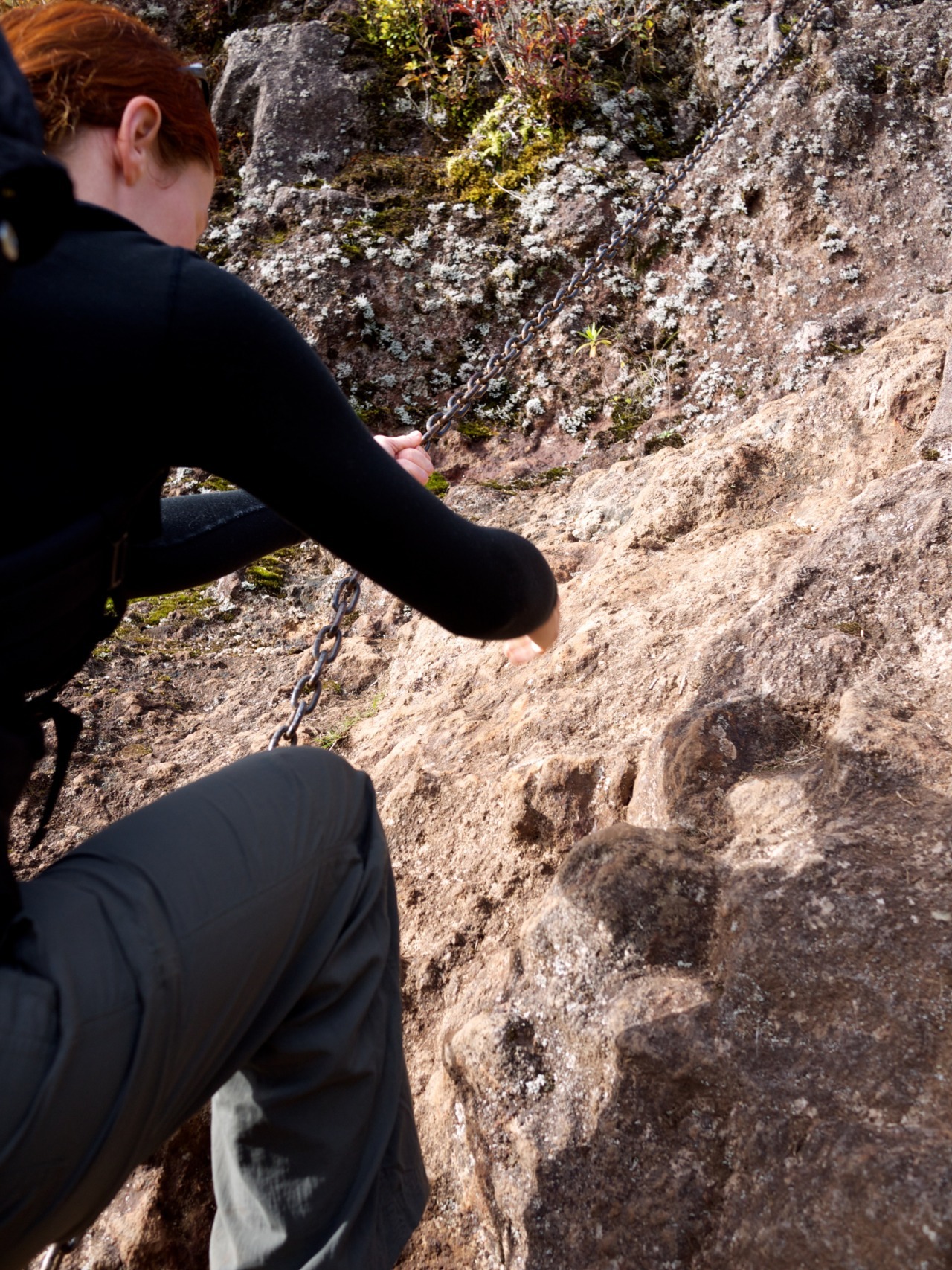
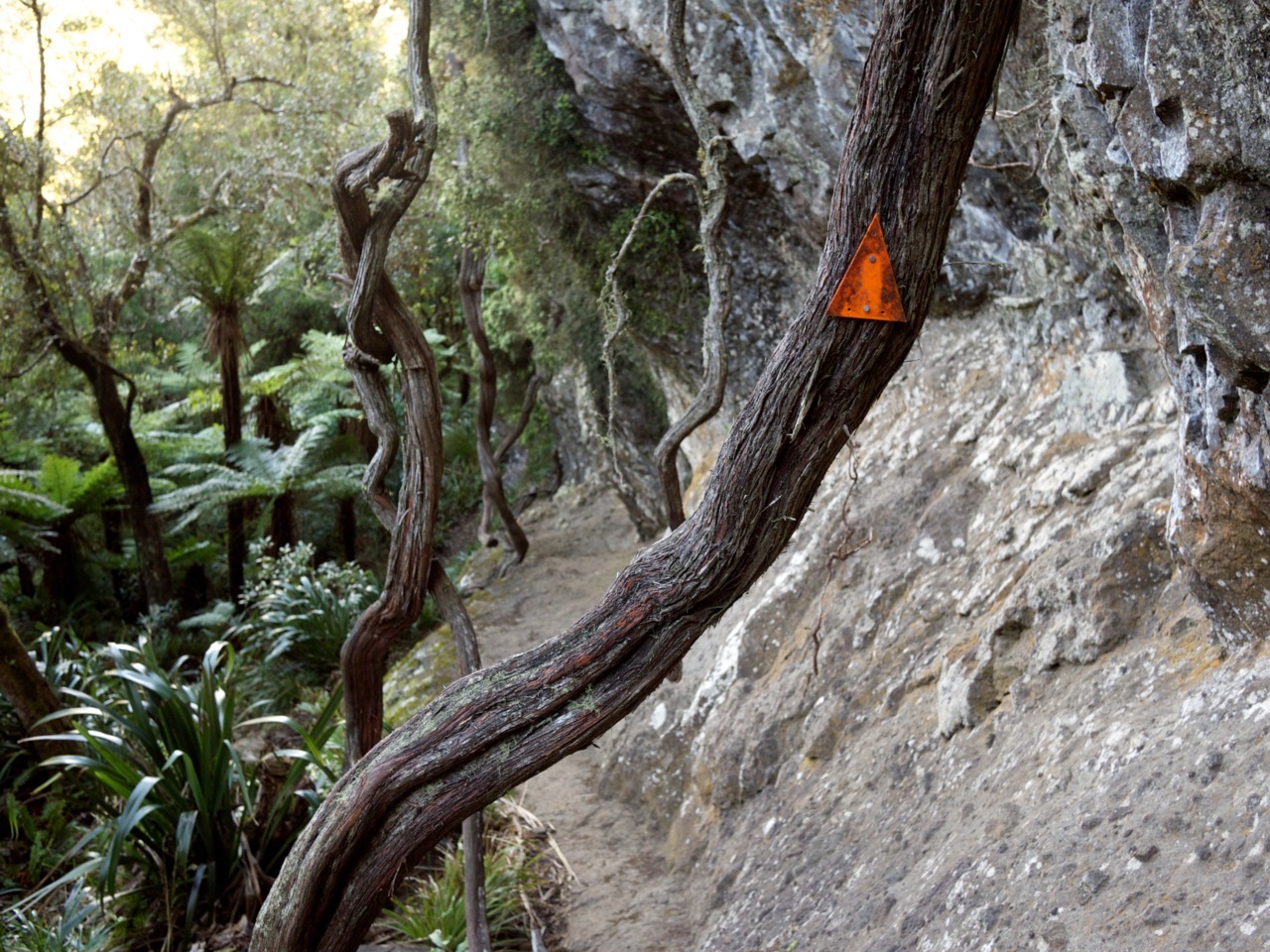
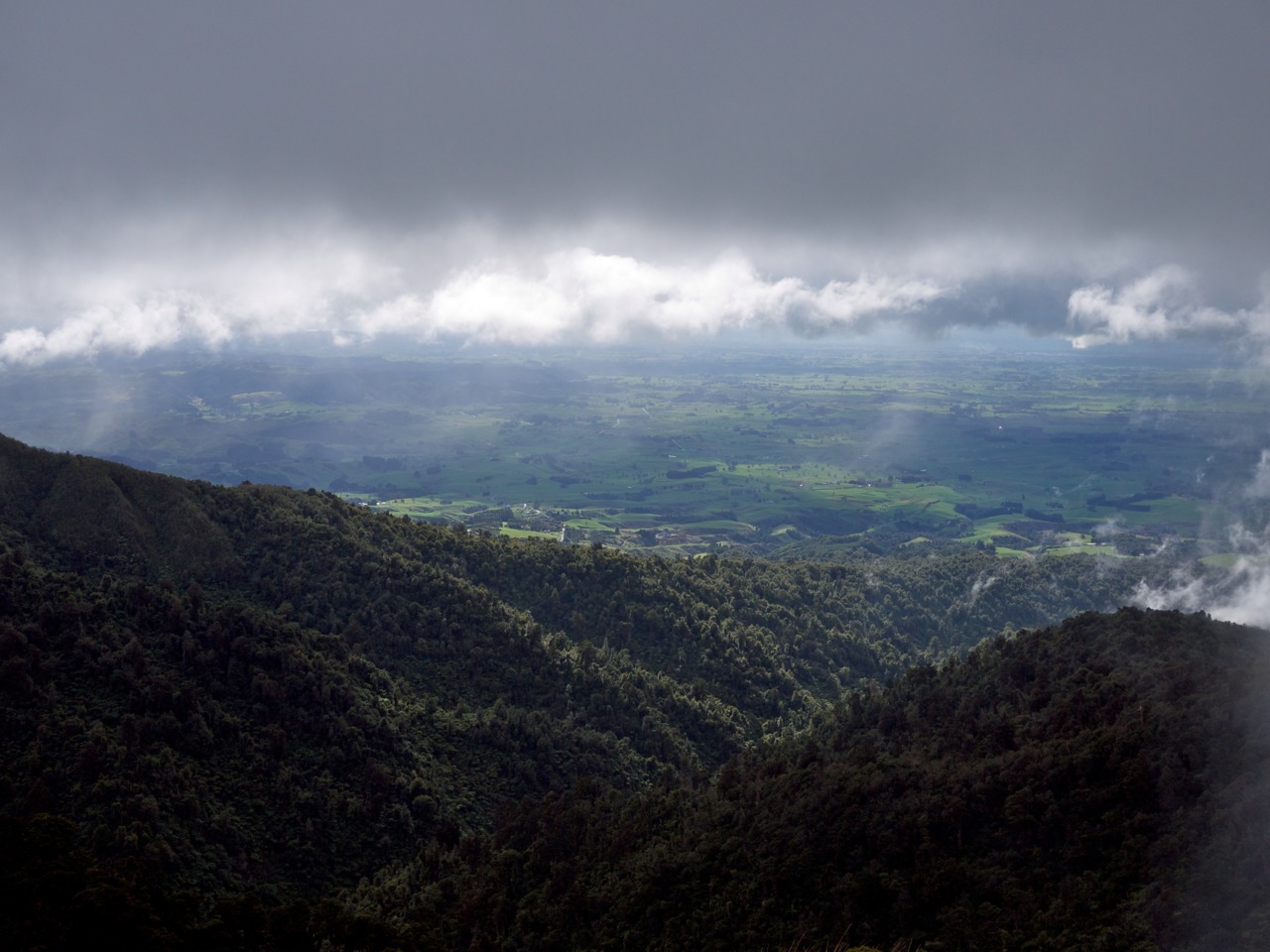
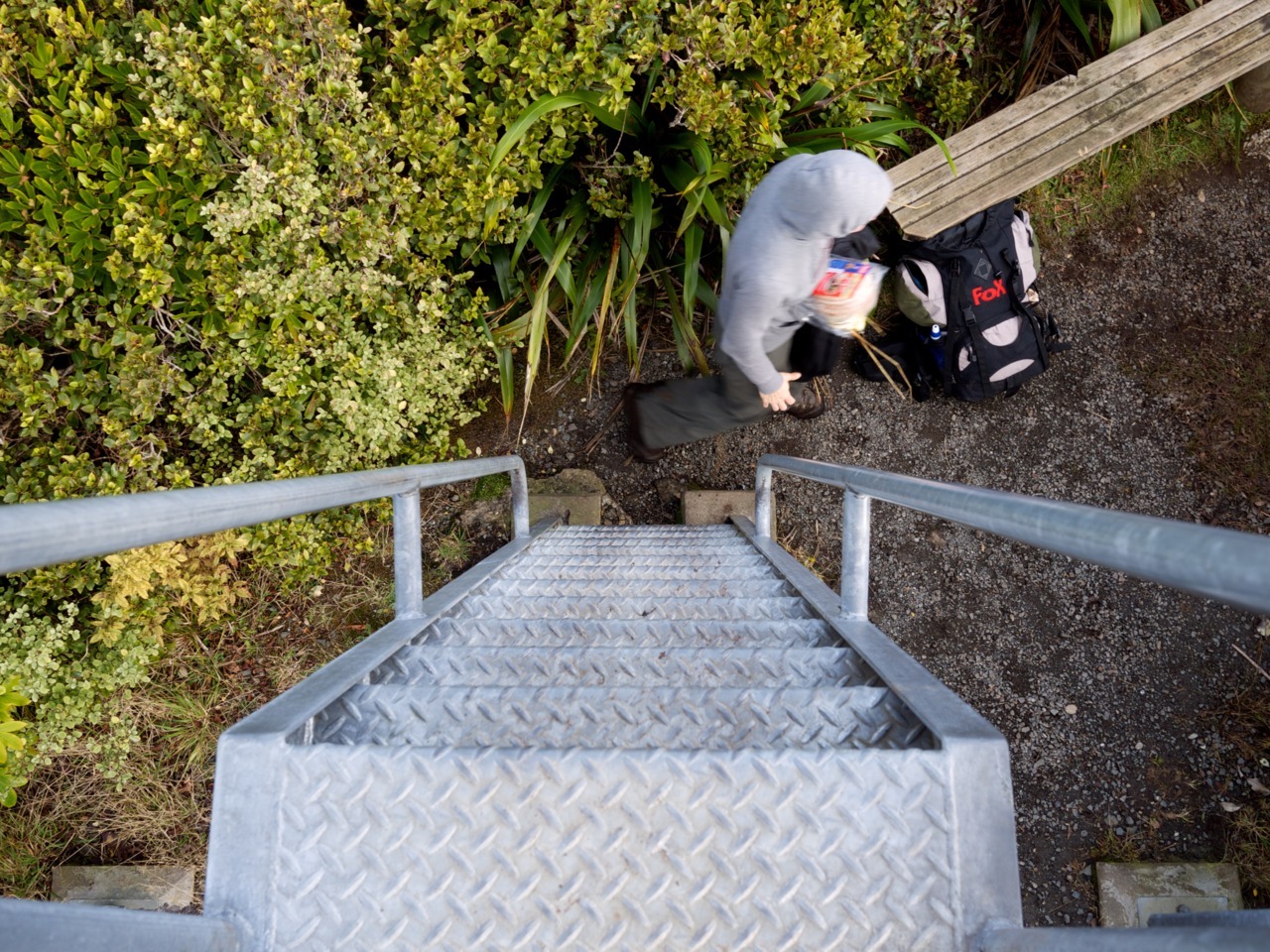
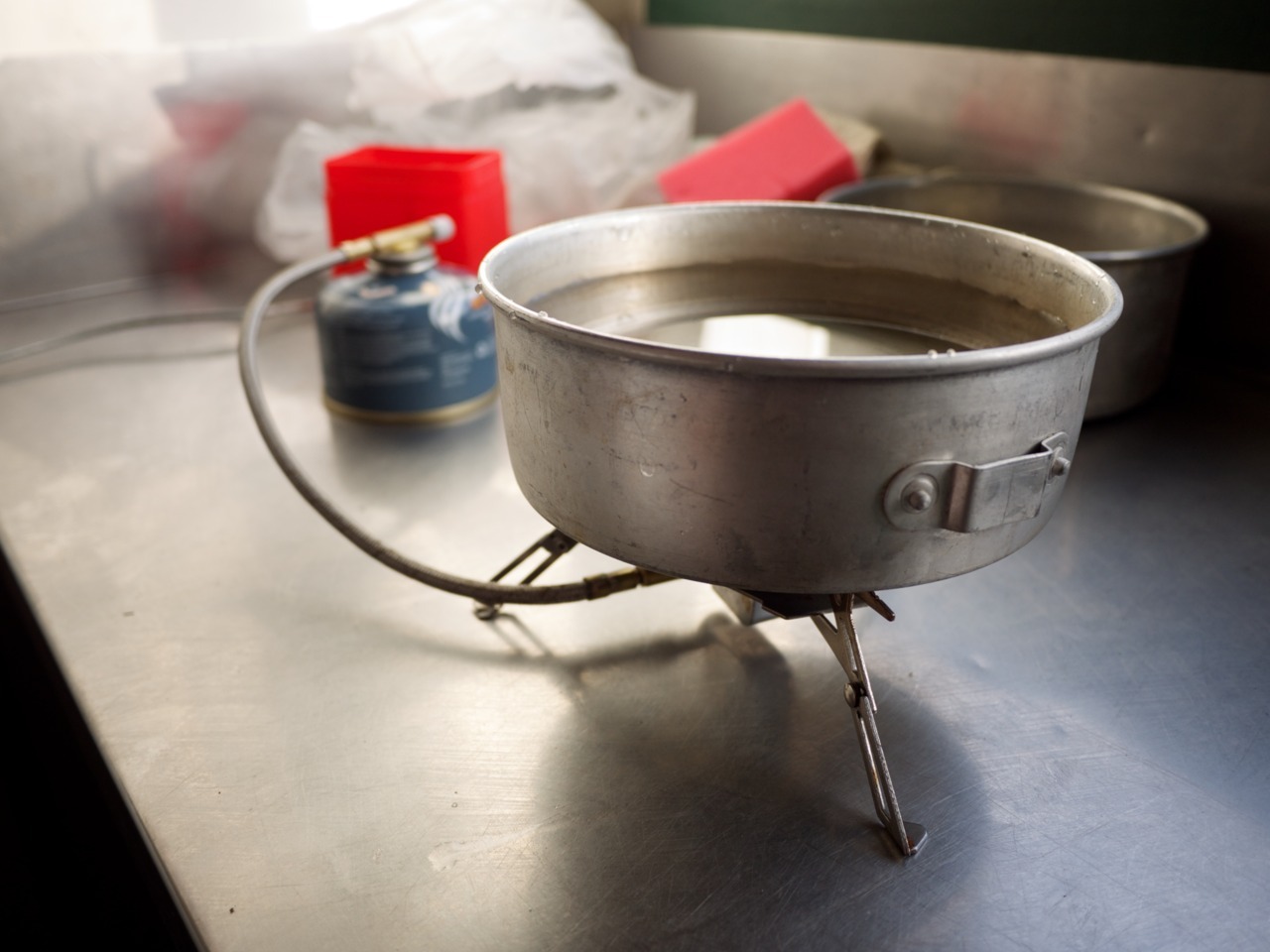
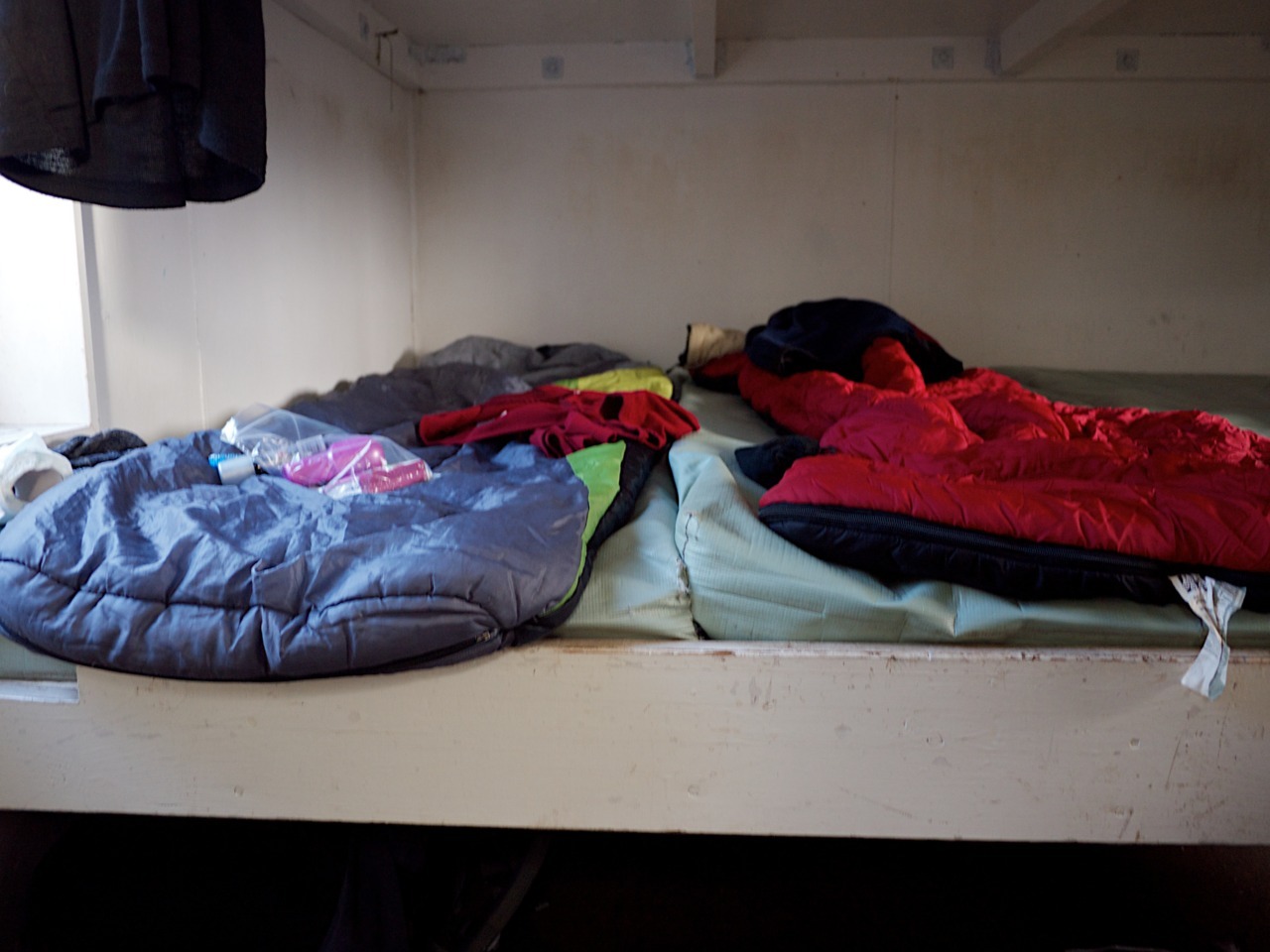
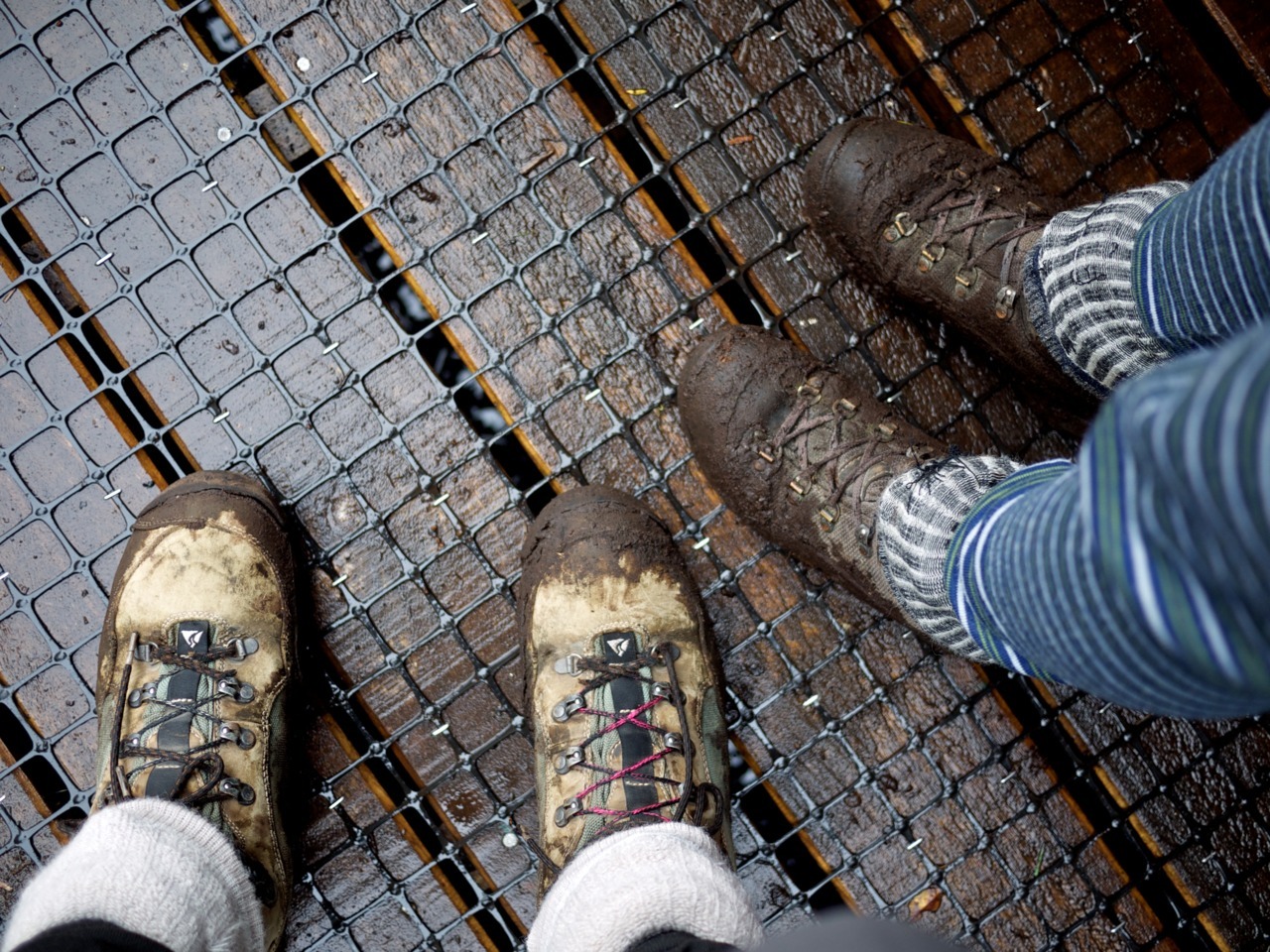
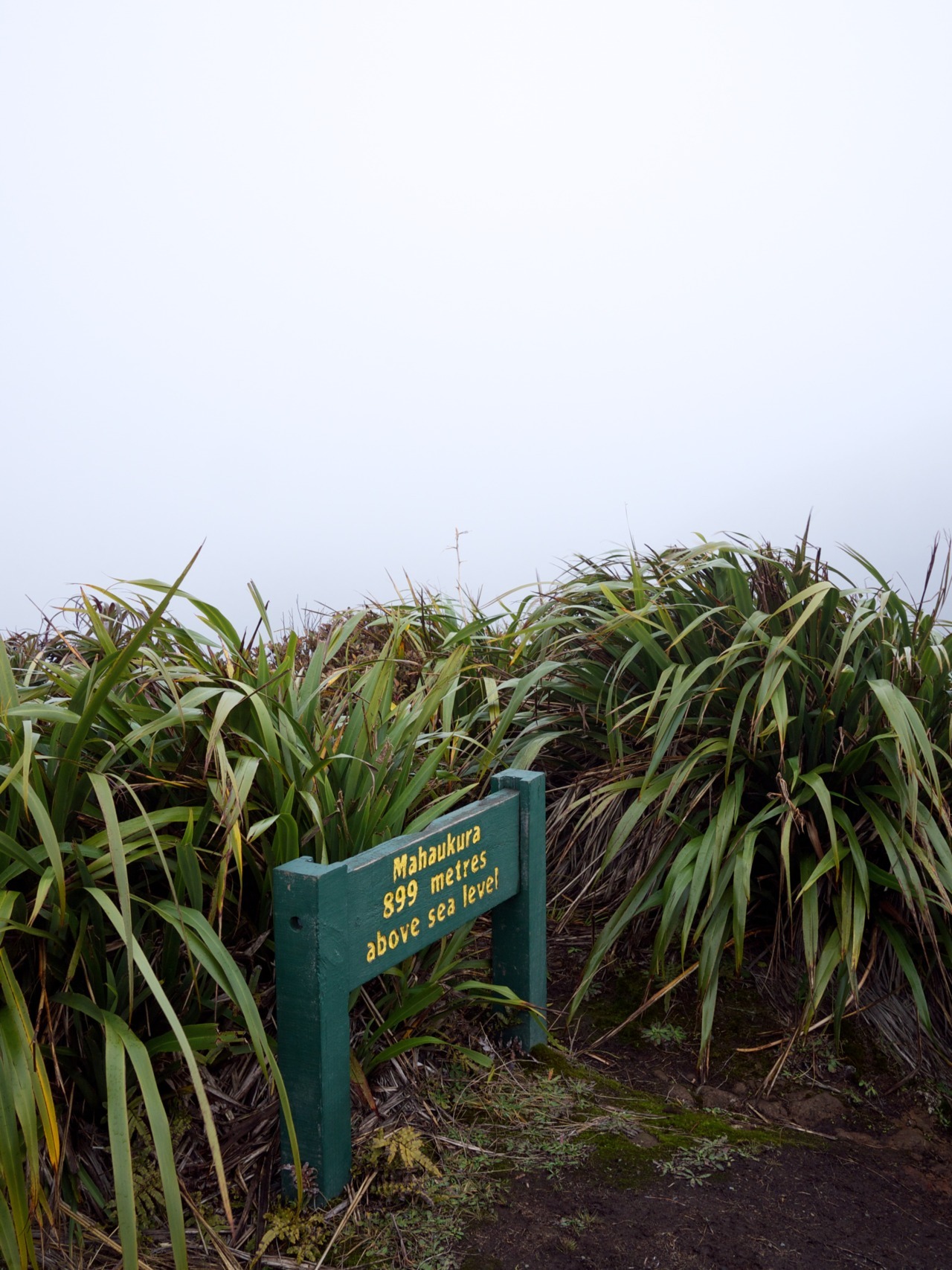
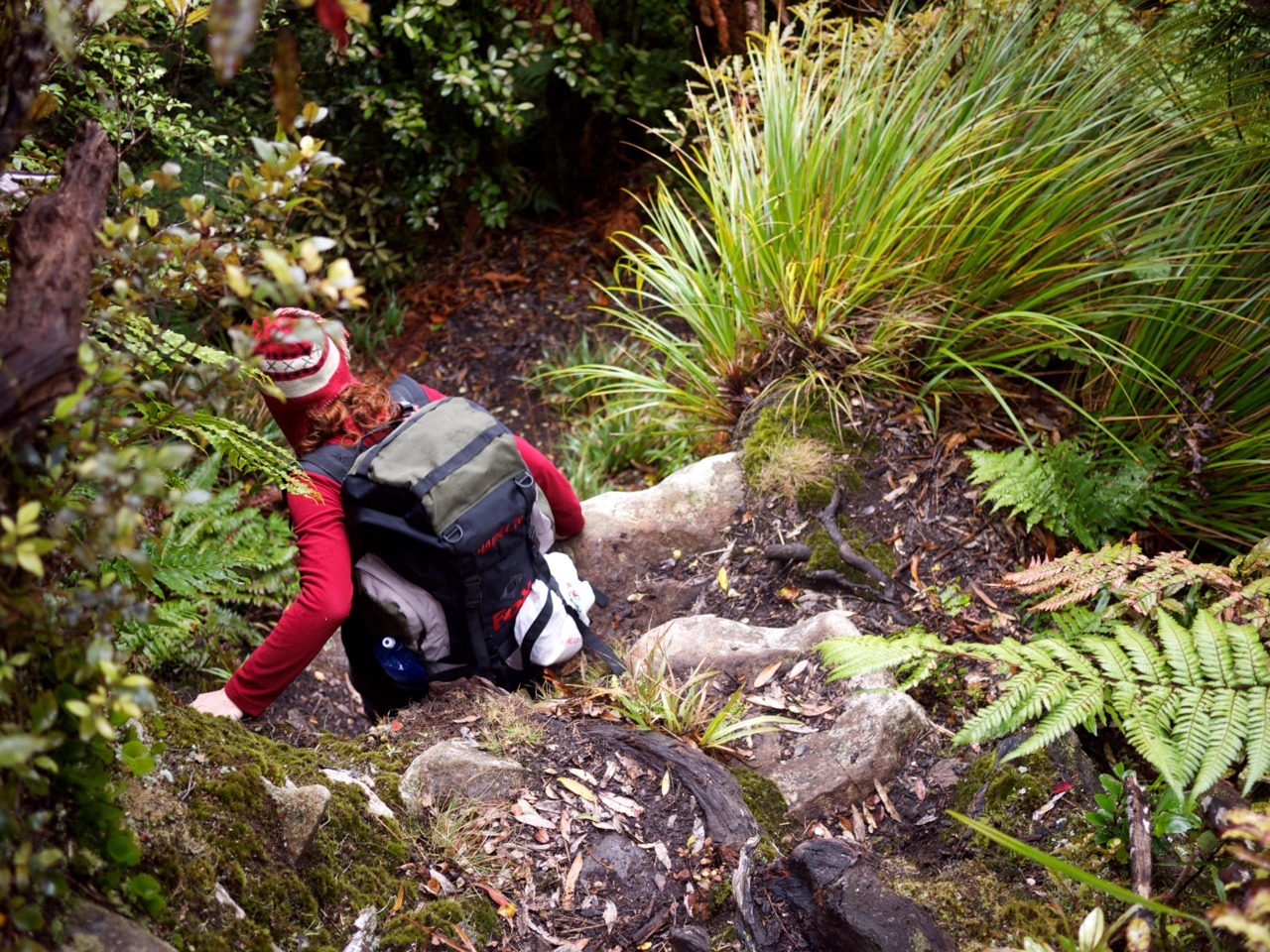
Nicole and I went on a little tramping trip to Pirongia forest park a couple of weeks ago. Spent one night in a cosy little hut.
You can see all photos on Flickr.
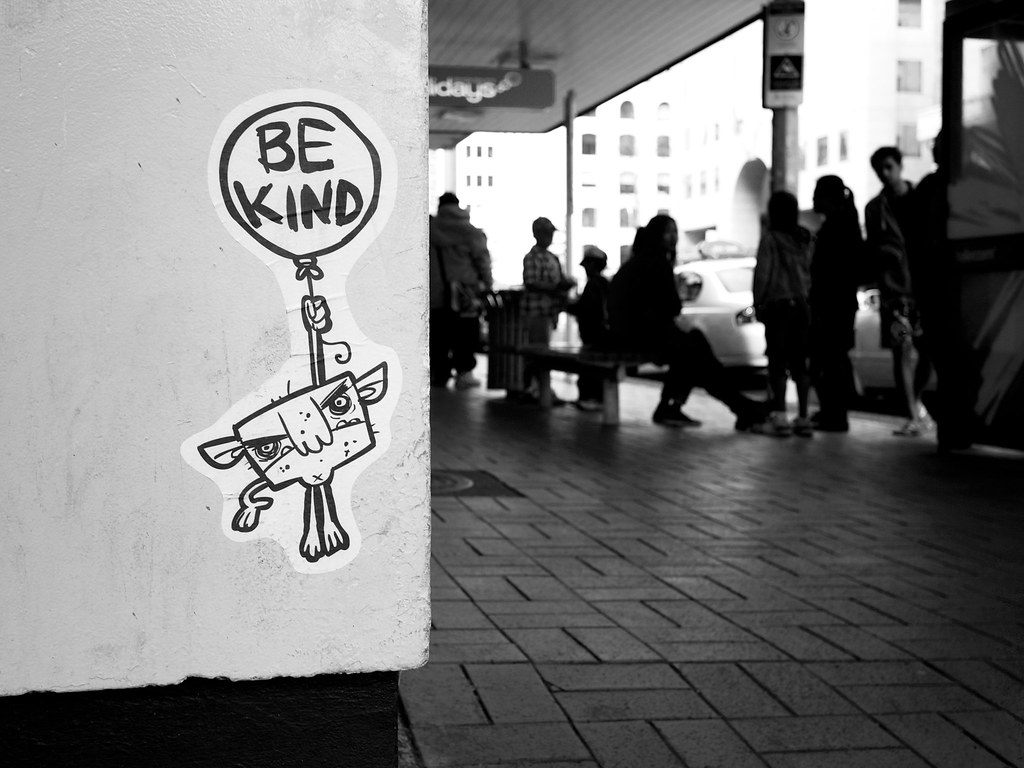
Found these stickers around the Britomart building in Auckland.


I only just now finished reading through the manual of my GF1 - more than one year after I bought this camera.
Previously, I did only read parts of it, because I thought there was not much to learn. After all, I have been shooting with my Nikon D40 for three years before. I know it very well, and things seemed to work very similarly on the GF1. While this is still true for the very basics, I was surprised by how much clearer some of the settings got after having read through the whole thing. And I also learned things I didn’t know about at all. For example, I discovered shortcuts to useful settings that are otherwise buried somewhere in the menu.
Why is this important?
Because when you know your camera well, there’s a greater chance you’ll be able to use it to its full potential. When you’re out shooting, you can stop worrying about your gear and completely concentrate on the photo you would like to take. And the manual is the best head-start you can get.


If you’re using Aperture for organizing and/or editing your photos, this is a great overview of its features.
I am learning lots of new stuff, although I’ve been using it for quite some time now.
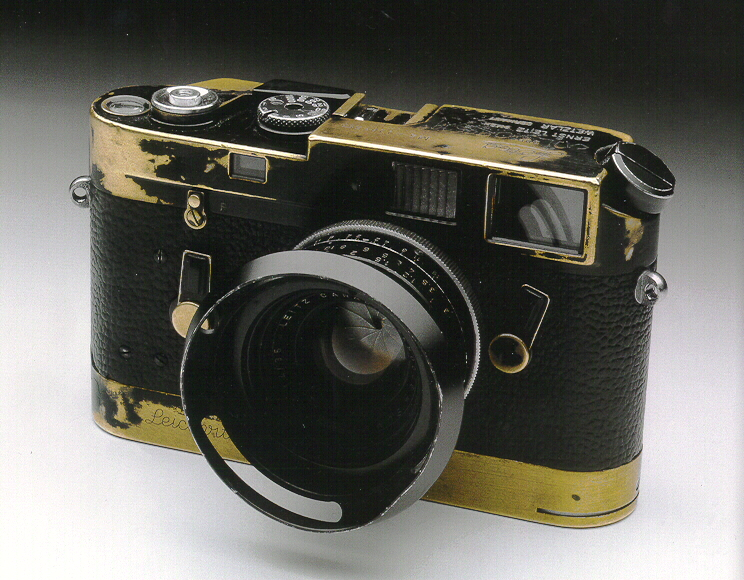
Jim Marshall’s Leica M4. Do things this way.
A fascinating - and sad - read about what happened to Flickr after it was acquired by Yahoo.
I’m still optimistic that Flickr will get its act together again. The updates this year so far have been great and plenty - which you can’t say at all about the recent years in general.
Some detailed information on how Aperture and Photo Stream work together. For example, I recently wondered how RAW files are handled:
According to the Aperture documentation, how RAW interacts with Photo Stream isn’t immediately obvious — but it is very important that you understand it. If you send a RAW file from Aperture to Photo Stream — either automatically via the “import all” checkbox, or manually — and if that RAW file has no edits applied, then it’s the full-sized original RAW that ends up in Photo Stream. On the other hand, if it has had edits applied then Photo Stream ends up holding a JPG copy instead.
Creative Commons offers three licenses that allow others to re-use your material for non-commercial purposes. That material is mostly photos in my case.
It turns out, the least-restrictive one of those three - Attribution-NonCommercial (BY-NC) - is all you need if you only care about the “non-commercial” part.
That sounds kind of obvious, but I was confused by one other non-commercial license.
Here are the three licenses as described on the Creative Commons homepage, ordered from most-restrictive to least-restrictive:
Attribution-NonCommercial-NoDerivs (BY-NC-ND)
This license is the most restrictive of our six main licenses, only allowing others to download your works and share them with others as long as they credit you, but they can’t change them in any way or use them commercially.Attribution-NonCommercial-ShareAlike (BY-NC-SA)
This license lets others remix, tweak, and build upon your work non-commercially, as long as they credit you and license their new creations under the identical terms.Attribution-NonCommercial (BY-NC)
This license lets others remix, tweak, and build upon your work non-commercially, and although their new works must also acknowledge you and be non-commercial, they don’t have to license their derivative works on the same terms.
I want my photos to be available for the widest range of use-cases and people/institutions possible, as long as these use-cases are non-commercial and I get credited. I am fine with modifications of my work, so I didn’t need to use the most-restrictive BY-NC-ND license. For my photos, I chose the middle one: BY-NC-SA. The reason for choosing this one over the less-restrictive BY-NC license was, that I was not sure about this line from the description of that license:
[…]although their new works must also acknowledge you and be non-commercial, they don’t have to license their derivative works on the same terms.
I thought this meant, someone could use my photos, modify them the tiniest bit and then release it under any other license, including one that does allow commercial re-use.
After some research, I discovered that this might be a myth, as Terry Hancock writes:
The only real reason most people care about using “ShareAlike” with “NonCommercial” is because they think it protects them from commercial exploitation of the derivative works.
However, this isn’t necessary. Deriving from a work in order to make commercial use of the derivative is considered “commercial use.”
That describes exactly what I was worried about.
There are some more websites that seem to implicitely support this statement: Creative Commons’ own “Choose a License” page, Flickr’s Creative Commons page as well as this article on the SquidooHQ blog. Here are these parts (emphasis mine).
From Flickr:
Noncommercial means:
You let others copy, distribute, display, and perform your work - and derivative works based upon it - but for noncommercial purposes only.
From SquidooHQ:
You let others copy, distribute, display, and perform your work - and derivative works based upon it - but for noncommercial purposes only. You can also remix, tweak, and build upon the image, use it non-commercially, and license the new version under a different Creative Commons license if you so choose. The new license must be non-commercial.
However, none of these pages list any official sources from Creative Commons - at least not directly regarding these particular statements.
Eventually, I was able to find an answer, buried in Creative Commons’ Frequently Asked Questions. The table under “If I derive or adapt a work offered under a Creative Commons license, which CC license(s) can I apply to the resulting work?” clearly shows, that derivatives/adaptations of work which was originally released under a non-commercial license, can only be re-licensed for non-commercial purposes:
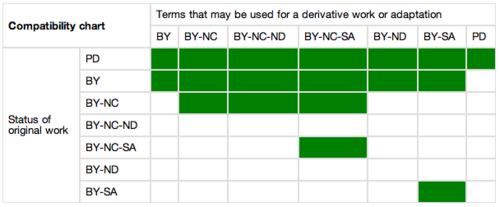
Now I finally feel comfortable using the least-restrictive BY-NC license without having to worry about that derivatives of my work might get re-licensed for commercial purposes.
Very comprehensive review of iPhoto for iOS. It explains a lot of details that might not be so obvious - including this one which I found confusing:
Pay close attention to these red “LEDs.” They signal that processor-intensive effects have been applied that are temporarily disabled while other editing is being done.
Works like a charm. And for your iPhone 3GS, too.
Since version 10.6 of iTunes you can stop syncing apps between your Mac and iOS devices without being prompted to delete all apps from the devices.
When you do that, the problem described in the article that you are prompted to remove iPhoto on every sync disappears and sync continues to work just fine.
Performance on the iPad seems to be normal. No problems so far. On the 3GS it is a bit slow when editing photos.
We have been lucky. We weren’t in Christchurch when the 6.3 earthquake hit just before 1pm on Tuesday, Feb. 22nd 2011. We were hiking through the mountains near Glenorchy/Queenstown (approx. 400km away to the south-west).
A hut warden was present on this track and he told us on Wednesday morning what has happened. He also offered us to make one call via radio (there’s no cell-phone coverage in NZ’s mountains). The connection was short, but we managed to reach our neighbours to ask if they are ok and if their and our houses are still standing.
Everything was ok, and so we went ahead with the normal plan and continued walking for the next couple of days.
Only after we came back on Saturday, we realized the degree of destruction this earthquake caused. It was terrible to see all the pictures.
We drove home on Sunday only to grab a few things and then leave again. We didn’t feel safe in our house on the hill, although it wasn’t looking bad on the outside. The inside was a bit of a mess, but we expected things to be worse.


At first, we spent two nights on a campground in western Christchurch, before my company organised flights for us to Auckland. We ended up staying there for almost 3 weeks in an unfurnished flat. It was not exactly comfortable, but still more comfortable than being in Christchurch, having no running water and sometimes no power. No shaking was a big bonus, too.
We returned last Sunday. Wednesday evening I went out with my GF1 to take some pictures of the visible damage in Sumner, the suburb we live in.
I need to say that most buildings are looking ok and that you don’t see lots of obvious major damage everywhere. But you certainly won’t overlook it, either.
 Recovering after the earthquake: The time on the Sumner clocktower is the one when the earthquake happend. Just before 1 PM.


 You see quite a few of these Port-a-loos in the street. Water was not available first (it is restored now), and the sewage system is still not running properly again.

Sumner Church had some considerable damage after the quake in September, and the Febuary one made it worse.

Water tank: before running water was restored, you had to get water from one of these tanks.


A huge rock came down from the cliff in the background.


The Cornershop Bistro. Awesome restaurant where we spent a lovely evening not long ago.


“The Ruptured Duck” restaurant was heavily damaged after the September quake and this one now put it over the edge. It was still standing after the quake, but got demolished now.

zrick buildings are often hit worst.

Some properties are now a bit too close to the edge.


Where’s the roof?
You can see all the pictures in my Flickr set “Earthquake damage in Sumner”.